A good follow-up is short, useful and well timed: a thank-you on the day, an honest review request with one reminder, a check-in after bigger jobs, and a reminder when the next visit is due. Here’s when to send each one, templates you can copy, when to stop, and the UK rules on what you can send.
Why following up is worth the effort
Most happy customers won’t tell anyone unless you give them a reason. A short message after the job gives them one, and it’s your best early warning that something isn’t right.
Asking works. BrightLocal’s 2026 Local Consumer Review Survey, a poll of 1,002 US adults, found that 78% of consumers had been asked to leave feedback for a business in the past 12 months, and that “83% of people asked to leave a review went on to leave one this year.” The share who say they will “always” write a review if asked rose to 28%, from 16% in 2025. It’s an American panel describing its own behaviour, so treat the numbers as a guide, not a forecast.
A follow-up also catches problems while they’re small (a weeping joint spotted in the first week is a quick return visit, not a stained ceiling later), and it brings the next job back: someone who needs a service every year will often book whoever reminds them.
When to follow up: after a job, a visit or an appointment
The thank-you and the review request go out the same day, while the work is fresh. Everything after that has to earn its place.
| Business | Thank-you and review request | Check-in | Next reminder |
|---|---|---|---|
| Plumber, heating engineer or electrician | The day the job is finished | A week or two after a big job, such as a new boiler | Before the next service or safety check is due |
| Builder or roofer | The day you hand over | About a month later | Usually none |
| Garage | The evening they collect the car | A few days after a major repair | Before the MOT or next service is due |
| Dentist, vet or clinic | Later on the day of the appointment | After treatment, if that’s part of the care | When the next check-up or vaccination is due |
| Café, restaurant or pub | The next morning, if they booked | Not needed | Only if the marketing rules allow |
| Florist | A day or two after the wedding or event | Not needed | Only if the marketing rules allow |
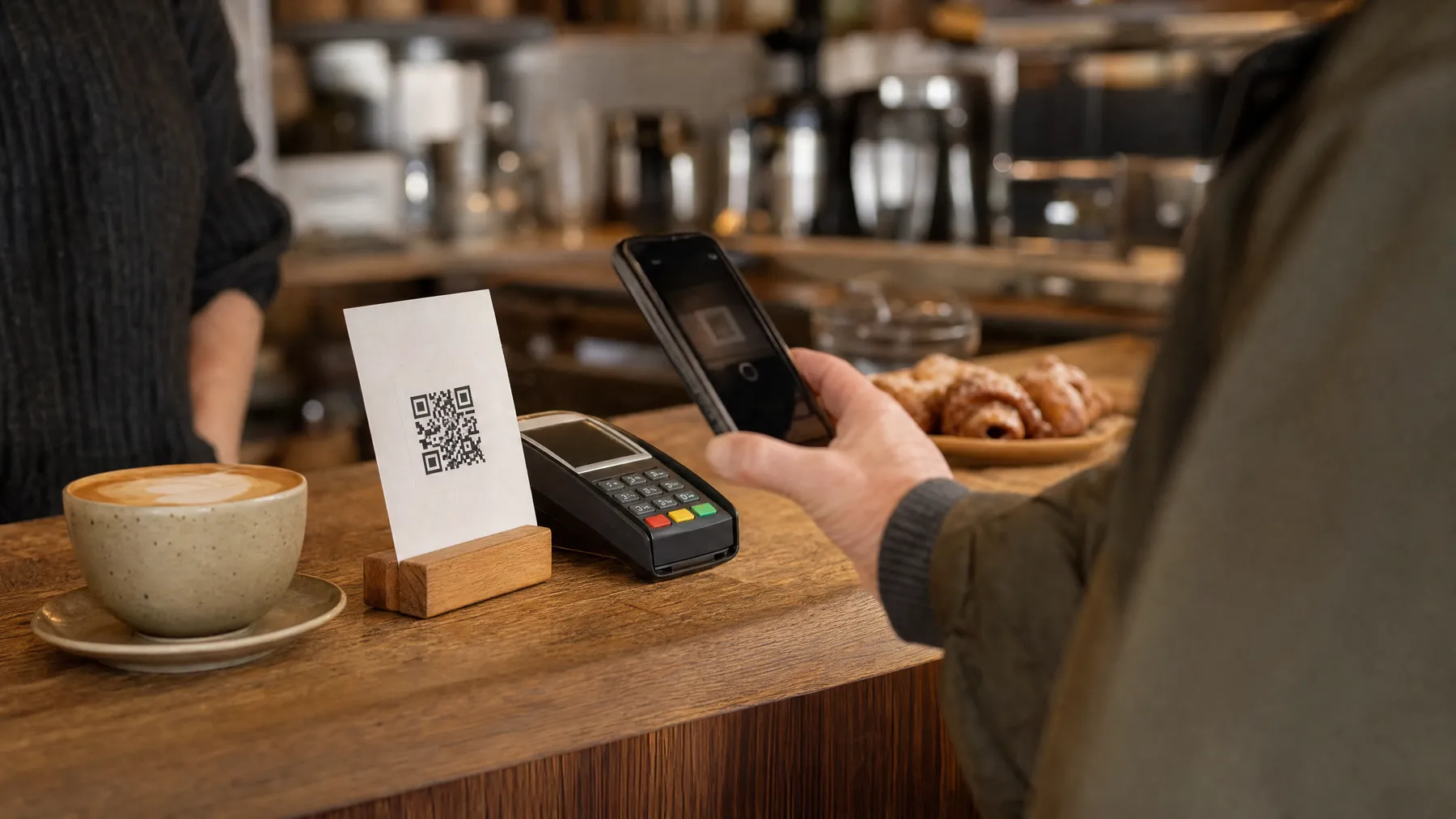
Send in the daytime or early evening, and sign off with a real first name. If most customers walk in without leaving details, a QR code by the till does the asking: here’s how to get more Google reviews that way.
A follow-up plan that isn’t pushy
Pushy means messages that ask without giving anything, or that keep coming after the customer has answered. A sensible plan for one job:
- On the day: a thank-you. Say what you did and who to call if anything’s wrong. Add your review link, or send the request the next morning.
- Three or four days later: one reminder, if they haven’t reviewed or tapped the link.
- About a week after that: a last reminder, if any. Two at most, then stop asking about this job.
- One to four weeks later, for bigger jobs only: a check-in. No review link, no offer.
- When the next thing is genuinely due: one rebooking reminder. Months later, not days.
When a message is trying to sell, consumer law has a view too: the CMA’s guide for businesses lists “hassling them by repeatedly contacting them” among the ways of putting unfair pressure on consumers to buy.
For regulars, pick a rule, such as asking each customer for a review once a year, and stick to it.
Templates you can copy
Swap in your own details. The businesses here are made up.
A thank-you
A check-in
A review request and a reminder
A rebooking reminder
The UK rules: service messages, marketing and opt-outs
Texts and emails fall under the Privacy and Electronic Communications Regulations (PECR), enforced by the Information Commissioner’s Office (ICO). What you may send turns on one question: is it a service message, or marketing?
Service messages don’t need permission
PECR defines direct marketing as “the communication (by whatever means) of advertising or marketing material which is directed to particular individuals”. The ICO says the rules “don’t stop you from telling your customers important information that they need to know as part of their relationship with you”, such as messages to “confirm or remind them about appointments” or to “remind people how to contact you in case of a problem”.
A message with “a neutral tone” that “simply gives information” is more likely to be a service message, the ICO says. But: “If your service message has elements that are direct marketing, even if that is not the main purpose of your message, then it will count as direct marketing.” Your logo doesn’t count. A line offering money off your next service does, so keep offers out of thank-yous and check-ins.
Marketing needs consent or the soft opt-in
A reminder inviting someone to book again, or any offer, is marketing. By text or email to individuals, it needs their consent or the soft opt-in, which has five conditions:
- You obtained the recipient’s contact details yourself.
- You did so “while selling or negotiating to sell a product or service”. That includes someone “requesting a quote or asking for more details about what you offer”.
- You only market your own similar products and services, ones people would “reasonably expect” to hear about.
- You gave them a chance to opt out when you collected their details.
- You give them a chance to opt out in every message after that.
Condition four is the one people miss. A line on your quote or booking form fixes it: “We may also remind you when your next service is due. Tick here if you’d rather we didn’t.”
An easy opt-out in every message
The ICO says people should be able to reply directly or click a clear unsubscribe link, free “apart from the other cost to people of sending the message”, and you “should not ask people to create an account to unsubscribe”. Don’t hide who you are, and act on opt-outs promptly.
Review requests aren’t singled out in the ICO’s guidance. A plain request for feedback on a job looks closer to a service message, but a review also promotes your business. The safe habit is to treat them like marketing: only to customers whose details you got through the job, with an opt-out in every one.
Asking for reviews fairly
Google’s policy. Google’s rules for Maps content say businesses must not “discourage or prohibit negative reviews, or selectively solicit positive reviews from customers”, or offer incentives such as payment, discounts or free goods or services in exchange for a review. You can encourage genuine reviews “without offering incentives to do so or attempting to influence the rating or the contents of the review.”
UK law. The Digital Markets, Competition and Consumers Act 2024 created a banned practice covering fake reviews and concealed incentivised reviews, which the CMA describes as “automatically unfair and illegal”. The changes came into force on 6 April 2025, and the CMA and the courts can now fine businesses up to 10% of their worldwide turnover. The CMA’s fake reviews guidance says “merely emailing customers generally to ask if they wish to provide a review, is not prohibited”. But it warns against “encouraging just those who are satisfied to leave reviews”, against “arbitrarily stopping and starting review invitations”, and against making an offer to resolve a dispute depend on the customer not leaving a negative review.
So the review request goes to every customer, not just those who replied happily to your check-in. An unhappy reply gets fixed, never filtered, and putting things right can’t depend on what they write. If a critical review comes in, here’s how to reply to a bad review.
| In a follow-up | Verdict |
|---|---|
| A thank-you or check-in with no offer | Fine: a service message |
| An honest review request to everyone, with one or two reminders | Fine |
| “Your service is due, book here”, with an opt-out | Fine with consent or the soft opt-in |
| Asking only customers who said they were happy | Not allowed by Google; cherry-picking to the CMA |
| Money off for a review, or asking for five stars | Not allowed by Google |
Keeping track of who you’ve followed up with
Without a record, you’ll ask some people twice, others not at all, and message someone who opted out. A spreadsheet with one row per job is enough:
| Column | Why it matters |
|---|---|
| Name, phone, email, job and date finished | Who to contact, and when |
| How you got their details, and when you offered an opt-out | The soft opt-in depends on it |
| Review requested, and the date of each reminder | Stops a fourth ask |
| Reviewed or clicked through | The signal to stop asking |
| Opted out: text, email or both, and when | Check it before every send |
| Next due | Your rebooking list |
Update it on the day, give one person the job, and check “Next due” weekly.
If keeping that sheet by hand is the part that slips, LocalQuiver’s automations send a review request by text and/or email after each job, with up to two follow-ups that stop once the customer taps through to a review site, and every text carries an opt-out link. The contacts list shows who has been asked, who clicked through and who has opted out.
The short version
- Thank every customer on the day, with your name and number.
- Ask everyone for an honest review, with one reminder and two at most.
- Check in after bigger jobs, with no offer attached.
- Remind people when the next thing is genuinely due, with an opt-out.
- Stop as soon as someone reviews, replies, complains or asks you to.
- Marketing needs consent or the soft opt-in, and an opt-out every time.
- No incentives for reviews, and never ask only the happy customers.