You don't need a wall of charts to know whether your business is heading the right way. Six numbers, checked once a month, tell you whether people are finding you, choosing you and coming back, and all of them are free to find.
For each one, here's where to find it, what to watch and what to do if it drops, then a 20-minute routine and a table to copy.
The six numbers at a glance
| The number | Where to find it free | What it tells you | |
|---|---|---|---|
| 1 | Calls, directions and website clicks from Google | Google Business Profile, Performance | Whether people who find you take the next step |
| 2 | New reviews, plus your rating and total | Google and your other review sites | Whether your reputation is fresh |
| 3 | Your reply rate | Your reviews, counted by hand | Whether customers can see you're listening |
| 4 | Enquiries, and where they came from | Your phone, inbox and a simple tally | Which channels bring in work |
| 5 | Clicks and impressions from Google Search | Google Search Console | Whether your website is being found |
| 6 | Repeat customers | Your diary, till or loyalty cards | Whether people come back |
On what "good" looks like: reviews are the one area with solid research on what customers expect. For everything else, compare your business with itself: this month against last month, and against the same month last year if you're seasonal. One bad month is a wobble; three in a row is a trend.
Calls, directions and clicks from your Google Business Profile
For many local businesses this is the busiest shop window they have. Its performance figures show what people do next.
What Google reports
Google's help page lists these metrics, in its own words:
- Interactions: "a summary of all your total interactions".
- Calls: "the number of times a customer clicked on the call button on your Business Profile".
- Directions: "how many people asked for directions to your business".
- Website clicks: "the number of times people clicked on the website link on your Business Profile".
- Views: "how many people viewed your Business Profile on Search and Maps".
- Searches: "the search terms that people used to find your business".
You may also see messages, bookings, menu clicks, products and offers.
How to find it
You need a verified profile, signed in with the Google Account that manages it. On a computer, go to your Business Profile, click Performance, choose a time period and click Apply. In the Google Maps app, tap Business at the bottom right, then See more next to "Performance". To keep a record, Business Profile Manager lets you tick your profile, click Actions, then Insights, and download the figures.
Three things to know
- Calls means taps on the call button. It misses anyone who rang from your website or wrote your number down, and can't tell you whether anyone answered.
- Views are unique visitors. Google says a person "can only be counted once a day", so this can be lower than the views shown on your profile or in Google's emails.
- Searches update monthly. Google says the searches metric "is updated at the start of each month" and "might take up to five days to show up". That's why the routine below waits until after the 5th.
What to watch, and what to do if it drops
Watch the actions (calls, directions and website clicks) more closely than views: they're the moments someone decided to get in touch. If they fall, work out which kind of drop it is:
- Views are down too. Fewer people are seeing you. Rule out the season, then check your profile: Google says "businesses with complete and accurate info are more likely to show up in local search results". Our Google Business Profile checklist covers every field.
- Views steady, actions down. People see you but don't act. Ring your number from the profile, tap your website link, check your hours, and look at your newest reviews and photos.
- The search terms have shifted. If people find you with new words, say "brunch" more than "café", use them in your services and description.
An optional extra: where you appear on the map
Google ranks local results on relevance, distance and prominence, so your position depends on where the searcher is standing, and checking from your own counter flatters you. For a free check, ask a few people across your area to search your main phrase and send a screenshot. The Google map pack, explained covers what moves it.
New reviews and your reply rate
BrightLocal's Local Consumer Review Survey 2026 asked 1,002 US adults how they use reviews, so treat its figures as a guide rather than a UK rule.
New reviews this month, plus rating and total
Across every site your customers use, such as Google, Facebook, Tripadvisor or Checkatrade, note new reviews this month, your average rating and your total. New reviews matter most:
- Customers want recent ones. BrightLocal found "74% seek reviews written in the last three months", and 32% look for reviews from the last two weeks.
- Google takes them into account. Its ranking guidance says "more reviews and positive ratings can help your business's local ranking."
The same survey found 68% of consumers will only use a business with four or more stars, 31% want 4.5 or more, and 47% won't use one with fewer than 20 reviews. They aren't targets everyone must hit, but they show where customers start to hesitate.
If new reviews drop: check whether you, and everyone on the team, are still asking. BrightLocal found 83% of people who were asked to leave a review went on to leave one. Build the ask into finishing every job: a QR code by the till, a text with your review link, a line on the invoice. Our guide to getting more Google reviews has wording to copy and the rules to stay within.
If your rating slips: read the low reviews side by side and look for one repeated complaint, such as slow Saturday service or missed callbacks. Fix the cause before you worry about the number.
Your reply rate
This is the share of this month's reviews you've answered: your replies divided by your new reviews.
BrightLocal found "80% of consumers say they're likely to use a business that responds to all of its reviews", while 42% are unlikely to use one that never replies. Google says replying "shows that you value their feedback". On timing, 81% of consumers expect to hear back within a week, and 19% the same day.
So good looks like every review answered within a week. Keep replies personal: the same survey found generic or templated replies "put off 50% of consumers".
If it drops: book a 15-minute slot each week, such as Monday morning, and agree who does it.
Enquiries, and where they came from
This is the number closest to money, and no free tool collects it for you. Count every new enquiry: calls, website forms, emails, Facebook and Instagram messages, and walk-ins. Then ask each new customer: "How did you hear about us?" Keep the answers to a short, fixed list so they add up:
- Google search
- Google Maps
- Facebook or Instagram
- Recommended by someone
- Walked or drove past
- Used us before
- Other (write it down)
A sheet by the phone, a diary column or a required drop-down on your website form is plenty. If someone just says "Google", one more question sorts it: "Was that on the map, or a website?"
What to watch: the total, and the mix. Maps enquiries rising while recommendations fall is a different story from both falling.
If enquiries drop: find which source fell first and match it to your other numbers. Fewer "Google Maps" answers alongside fewer profile calls points to the profile. Fewer website enquiries points to the site, so send a test enquiry through your own form and check it arrives.
Clicks and impressions in Google Search Console
Your Google profile shows what happens on your listing. Search Console shows how your website does in Google Search, including what people typed before clicking through. Its Performance report has four figures, which Google defines like this:
- Clicks: "the number of times a user clicked your site from Google Search results".
- Impressions: "how many times your site appeared in Search results".
- CTR (click-through rate): "the click count divided by the impression count".
- Average position: "the average position of the topmost result from your site".
It shows the past three months by default. Click the date filter, set it to last month and choose Compare to set it against the month before, or the same month last year. Google suggests weekly or monthly granularity when comparing, to even out day-of-the-week differences. Then switch the table to Queries for the search terms that led to your site, and Pages for the pages that earned the clicks.
Two things to know:
- Not every search term is listed. Google says "some queries are omitted from the report to protect user privacy". They still count in the chart totals, so the queries won't always add up to your total.
- Your own search won't match. Google notes that even if a query appears in your list, "you might not see your site in results if you run the same query in Google Search".
If clicks drop: check impressions. If both fell, you're appearing less: see which queries and pages lost most, and rule out the season. If only clicks fell, people see you but choose someone else, so make your main pages' titles and descriptions clearer about what you do and where.
Repeat customers
The first five numbers are mostly about winning customers. This one is about keeping them. Harvard Business Review reported that "acquiring a new customer is anywhere from five to 25 times more expensive than retaining an existing one", and cited research by Frederick Reichheld of Bain & Company finding that "increasing customer retention rates by 5% increases profits by 25% to 95%."
How you count it depends on your trade:
- Dentists, vets and garages: your rebooking rate. Of this month's customers, how many booked their next check-up, vaccination or MOT before leaving?
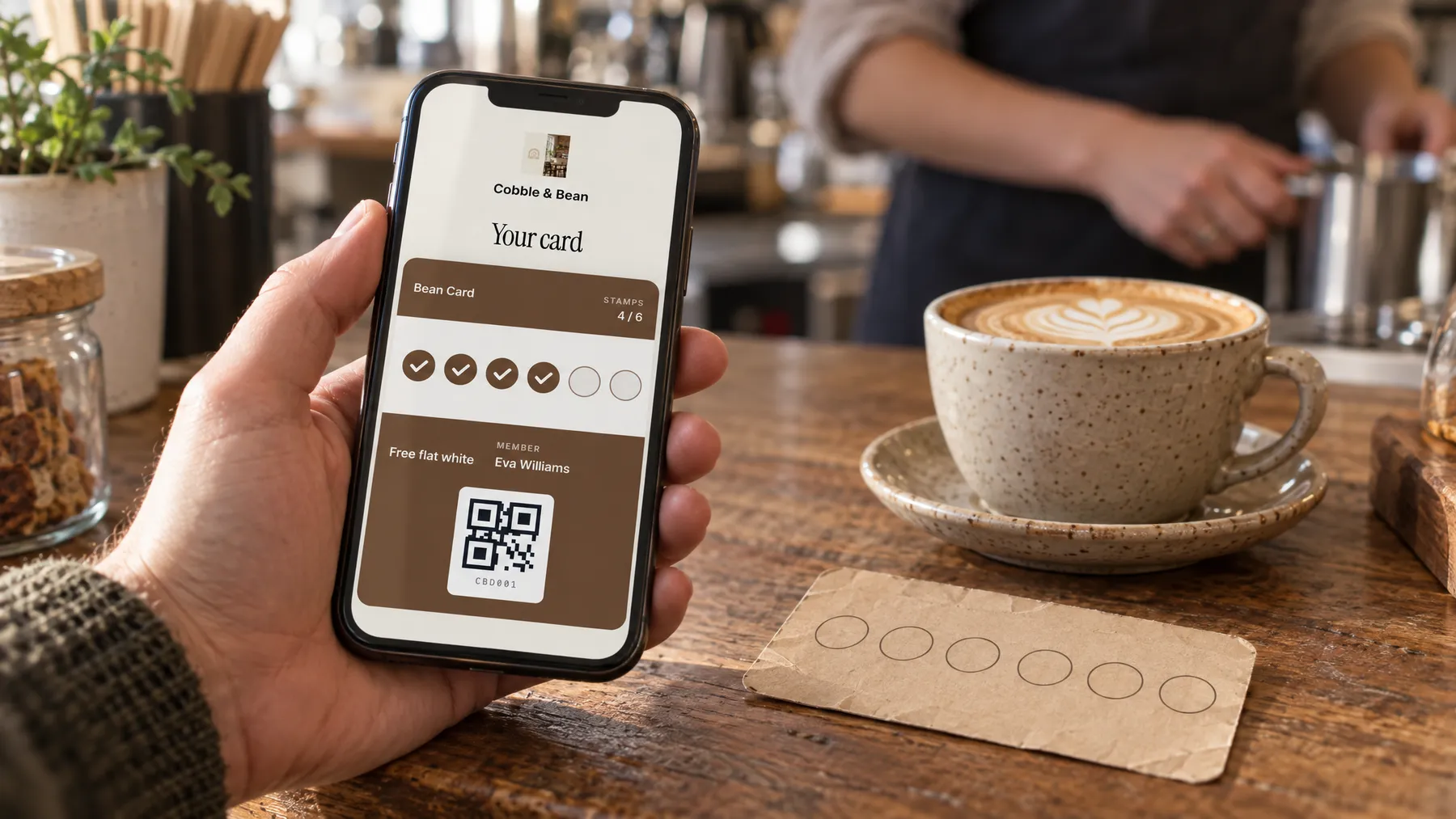
- Cafés, pubs and shops: returning customers from your till or booking system if it shows them, or the stamp cards redeemed this month.
- Trades: the share of this month's jobs from people who've used you before, straight from your enquiry tally.
Watch your own trend rather than someone else's figure. If it drops, look at what changed, such as prices, opening hours, staff or a new competitor nearby. Then give people a reason to return: a reminder when a service or check-up is due, or a loyalty card for regulars.
Your 20-minute monthly routine
Pick a fixed day after the 5th, once Google's search terms have updated. The second Monday of the month is easy to remember.
- Google profile (5 minutes). Last month's calls, directions, website clicks and views, plus a glance at the top search terms.
- Reviews (5 minutes). Count new reviews and replies, and note your rating and total. Answer any you missed while you're there.
- Enquiries (3 minutes). Add up your tally by source.
- Search Console (4 minutes). Compare last month with the month before: clicks, impressions and your top five queries.
- Repeat customers (1 minute). Your rebooking count, cards redeemed or "used us before" answers.
- One action (2 minutes). Pick the number that worries you most and write down one thing you'll do about it.
Copy this into a notebook or spreadsheet, with a fresh copy each month:
| Number | Last month | This month | Same month last year | Note |
|---|---|---|---|---|
| Profile calls | ||||
| Direction requests | ||||
| Profile website clicks | ||||
| Profile views | ||||
| New reviews | ||||
| Rating and total reviews | ||||
| Reply rate | ||||
| Enquiries, total | ||||
| Top enquiry source | ||||
| Search clicks and impressions | ||||
| Repeat customers |
If counting reviews and replies by hand is the part that slips, LocalQuiver's monthly report is created on the 1st of each month and waits in your dashboard, with a PDF to download. It covers reviews by platform, response rate, review requests and link clicks, articles and social posts, plus map rank and AI visibility where your plan includes them. It doesn't include your Google profile's calls, directions or views, website traffic or enquiries, so those stay on your sheet.
The short version
- Six numbers, once a month: Google profile actions, new reviews, reply rate, enquiries by source, Search Console clicks and repeat customers.
- All are free. The only one you collect yourself is where enquiries came from, and one question does it.
- Compare with yourself: last month, and the same month last year.
- Keep asking for reviews and answer every one within a week.
- Check after the 5th, give it 20 minutes, and leave with one action.