When someone asks ChatGPT "where's good for Sunday lunch near me?", the answer names a handful of places and leaves everyone else out. Whether you're one of them depends mostly on what the assistant can find about you on the web, and most of that is in your hands.
This guide explains how ChatGPT, Gemini, Perplexity and Google's AI Overviews put local answers together, according to their own help pages, what that means for a small business, and how to check what they say about you today.
More people are asking AI where to go
The habit is new, but it's growing fast. BrightLocal's 2026 Local Consumer Review Survey, a panel of 1,002 US adults, found that 45% had used ChatGPT or other generative AI tools for local business recommendations, up from 6% the year before. That made AI the third most popular source of recommendations, behind Google and Facebook. Trust is building too: 40% said they trust AI platforms to recommend businesses, against 32% who don't.
UK figures point the same way. Ofcom's 2025 Online Nation research found ChatGPT had 1.8 billion UK visits in the first eight months of 2025, up from 368 million in the same period of 2024. Ofcom also reports that about 30% of searches now show AI overviews, and more than half of adults (53%) say they see these summaries often, in most cases without looking for them.
The questions people ask are the ones they used to type into Google, only longer and chattier:
- "Where can I get a good gluten-free breakfast in Harrogate?"
- "Who's a reliable electrician in Didsbury who can come out this week?"
- "Is there a vet near Kendal that's open on a Saturday afternoon?"
How the assistants find local information
None of the big assistants keeps a private list of approved businesses. Going by their own documentation, they search the web, read what comes back and write a summary. Here's what each one says it does.
ChatGPT
OpenAI's help page says ChatGPT "may search the web automatically when your question would benefit from current information", and people can also switch search on themselves. When it searches, it typically rewrites the question into one or more targeted queries and sends them to search providers. It uses an approximate location based on your IP address: OpenAI's own example turns "What are some good restaurants near me?", asked from the San Francisco area, into the search "top restaurants San Francisco". It may also share that location with "trusted third-party providers that help provide more local information, such as nearby business listings".
Answers that use search can include citations you can open, and on phones the results may include a map. OpenAI is candid about the limits: "Search results and citations can be incomplete, outdated, or incorrect."
Gemini
Google's Gemini help pages say Gemini "uses public information from Google Maps" to find businesses, shops and restaurants, and to get "addresses, descriptions, websites, ratings and opening hours for a place". So when Gemini tells someone your opening hours or your rating, it's reading them from Google Maps. That's your Google Business Profile, which is why it needs to be right.
Perplexity
Perplexity's help pages describe it searching the internet in real time, gathering information from sources such as articles and websites, and summarising it into an answer. Each answer includes numbered citations linking to the original sources, which makes it the easiest of the three to audit: you can see exactly which pages it used.
Google's AI Overviews and AI Mode
These live inside Google Search. Google says both may use a "query fan-out" technique, "issuing multiple related searches across subtopics and data sources", then show links to supporting pages. To be eligible as a supporting link, a page must be indexed and eligible to appear in Google Search with a snippet, and Google says there are no additional requirements and no special optimisation needed. Its list of good practice includes allowing crawling, putting important content in text, making sure structured data matches the visible page, and keeping your Business Profile information up to date. Google also notes that AI Overviews only appear when its systems decide they add something, so they often don't show at all.
What this means for your business
If assistants build answers from what they find, your job is to make what they find accurate, consistent and specific. Five things matter most.
1. Say the same thing everywhere
Your business name, address or service area, phone number, opening hours and main services should match on your website, your Google Business Profile, Facebook and any directories or review sites you're listed on. If your website says you close at 5 and Google says 5.30, an assistant has two answers to choose between, and so does a customer. BrightLocal's advice in its 2026 survey is the same: keep your website up to date, monitor your listings for mistakes, check the sources AI tools reference, and ask for a correction when something is wrong. Our Google Business Profile checklist goes through the listing field by field.
2. Keep recent, detailed reviews coming
Ratings are one of the details Gemini says it takes from Google Maps, and for most local businesses reviews make up much of what other people have written about them. Recency matters to customers too: in BrightLocal's survey, 44% said a review having been posted within the last month was an important factor.
Detail matters as much as volume. A review that says "Priya fixed our boiler on a Sunday and explained everything" tells a reader, and anything summarising your reviews, far more than "great service". You shouldn't tell customers what to write, but you can ask an open question, such as "What did we help you with today?", that invites specifics. There's more on asking well in how to get more Google reviews.
3. Make your services and area unmistakable
Assistants answer specific questions, so specific pages help. A page per main service, in plain text, saying what's included, who it's for and which towns you cover, gives a search something to match against "boiler repair in Bury" and gives a summary something to quote. Google lists "making sure that important content is available in textual form" among its best practices, so don't let key details live only in a photo of your menu or a PDF price list. Our local business website checklist covers what a good service page needs.
4. Answer the questions customers actually ask
Think about what people ring up to ask. Is there parking? Do you do emergency call-outs? Can you cater for coeliacs? Is there step-free access? Put the answers on your website, in your Google profile where there's a field for them, and in a short FAQ. An assistant can't tell anyone you have a dog-friendly garden if that fact isn't written down somewhere it can read.
5. Check nothing is blocking the crawlers
Google's guidance is to make sure crawling is allowed in your robots.txt file "and by any CDN or hosting infrastructure". If someone else manages your website, ask them to confirm that search engines and AI search tools aren't being blocked. It's a two-minute question, and worth asking once.
How to check what AI says about you today
You don't need software to get a first picture. Set aside half an hour and try this.
- Start fresh. Use a private browser window or a new chat. OpenAI says ChatGPT can use saved memories and your approximate location when it rewrites a search, so your own account may not show what a stranger sees.
- Name the place. OpenAI suggests including your city, area or postcode in local questions. Ask the way a customer near you would.
- Ask the same questions everywhere. Try ChatGPT with search on, Gemini, Perplexity and an ordinary Google search, where an AI Overview may or may not appear.
- Open the sources. Where an answer cites pages, open them. That's where any wrong detail came from, and where you'll fix it.
- Write it down. Note the date, the tool, the question, whether you were named, and who was named instead.
Here are prompts you can copy. Swap in your own trade, town and business name.
| Prompt to copy | What it tells you |
|---|---|
| "What are the best [cafés] in [town]?" | Whether you're named for the broad question |
| "I need a [plumber] in [area or postcode] who can come out today. Who should I call?" | Whether you show up when someone is ready to book |
| "What do people say about [business name] in [town]?" | How your reviews are being summarised |
| "What time does [business name] open on Sundays, and do they [offer X]?" | Whether your basic facts are right |
| "Which [florists] in [town] are good for wedding flowers?" | Whether your specialities come through |
| "Which sources did you use for that answer?" | Where the assistant got its information |
If an answer gets something wrong, such as old opening hours, a service you've stopped offering or a branch that has closed, fix it at the source the assistant cited, then check again next month. The reliable fix is always to change what the assistant reads.
What nobody can promise
You can't buy a recommendation. OpenAI began testing ads in ChatGPT in the US on 9 February 2026, and its help page is explicit: "Ads do not influence ChatGPT's answers." It adds that advertisers have "no ability to shape, rank, or alter ChatGPT's responses", and that ads appear below a response, labelled as sponsored. If paying OpenAI itself doesn't change the answer, be wary of anyone who says they can.
Nor can anyone promise you a place in Google's AI features. Google says that even a page that meets all its requirements and best practices may not be crawled, indexed or shown.
Answers also vary from person to person. Location, wording, saved memories and that day's search results all change what comes back, which is why one screenshot of "we're top in ChatGPT" means little. What you can do is make your business the easiest one to describe accurately: consistent details, a steady flow of genuine reviews, clear pages about what you do and where, and honest answers to common questions. Those are the same things that help you on Google Maps, so the effort isn't wasted either way.
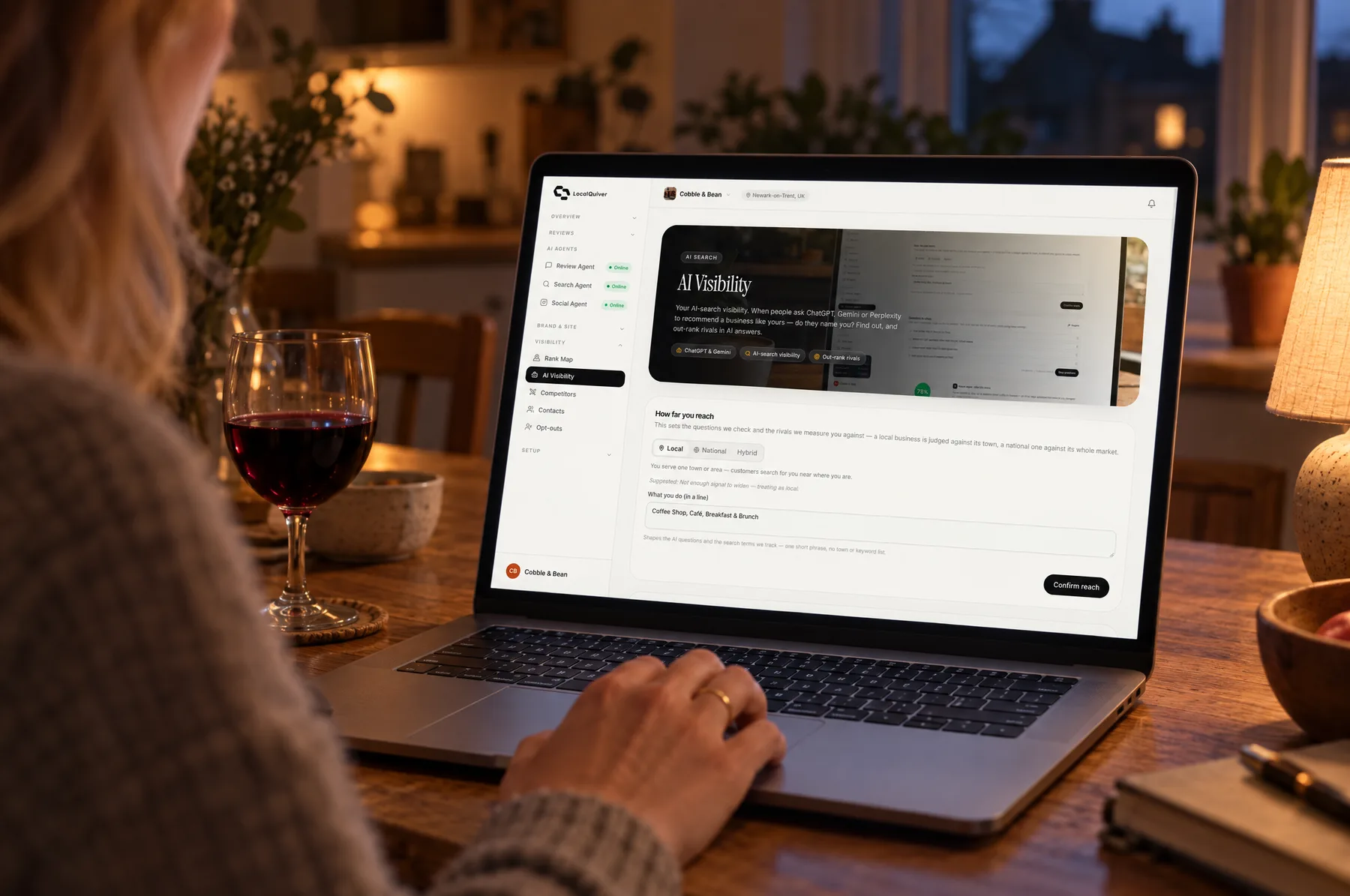
If you'd rather not run the monthly check by hand, LocalQuiver's AI visibility check asks ChatGPT, Gemini and Perplexity up to four questions a real customer would ask, once a month, and shows who gets named. It can't make an assistant recommend you, and nor can anyone else.
The short version
- More people now ask AI assistants for local recommendations, and those assistants build answers by searching the web and, in Google's case, reading Google Maps.
- Make your name, address, phone number, hours and services match everywhere.
- Keep genuine, recent, detailed reviews coming in.
- Give each main service a clear page that says where you work, and answer common questions in writing.
- Check monthly with the same prompts in ChatGPT, Gemini, Perplexity and Google, and fix wrong details at the source.
- Ignore anyone who promises a recommendation. Nobody can sell one.