Area pages for builders and roofers
Big jobs start with a local search, like house extensions in Southwell or roof repairs in Balderton. Area pages give your website a page for every service in every town you cover, each written for that town, with the reviews homeowners there have left you.
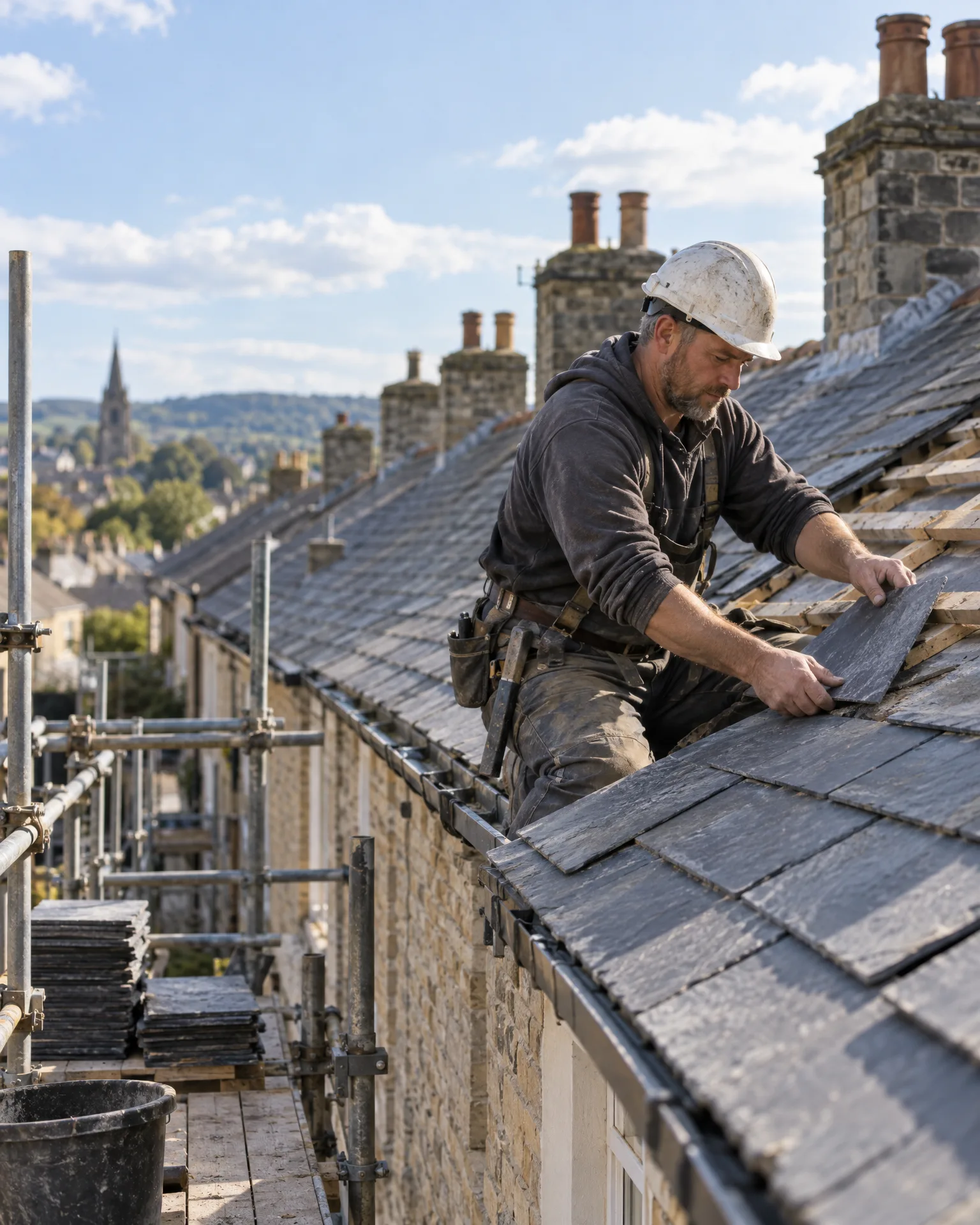
How it works for builders and roofers
Pages for each project and place
Kitchen extensions, loft conversions, new roofs and repairs, in each town you cover: every pair gets its own page, heading and questions, matching the way homeowners really search for builders.
Local proof on every page
Each page shows the reviews that mention its town, so a homeowner in Coddington sees what their neighbours said about the extension you built just down the road from them.
Written fresh, never swapped
We write every page from scratch for its town. A built-in check stops a page going live if it’s thin or more than half the same as your other pages, so nothing reads like a template.
Woven into your website
Your service pages link to their town pages, each town page links your other services there, and a footer row lists the areas you cover, so search engines can follow every link.
You’re top 3 for “builder near me” across the centre of Newark. A few fresh reviews will push you out to the villages you cover.
Spring planning at Quarrystone Builders
Fifteen pages for five towns and three services
Quarrystone Builders work across five towns around Newark, but their website only mentioned Newark. Their Google profile already listed the other four, so we matched them to extensions, loft conversions and roofing and wrote fifteen pages, each about that service in that town. The page for extensions in Collingham talks about single-storey extensions and quotes a review from a Collingham customer. Every page went live once it passed the quality check, linked from the service pages and footer.
An illustration of how it works, not a real customer.
The film
How area pages give your website a page for every service in every town you cover, each written for that town with local reviews, checked so nothing thin or copied goes live, and linked into your site and sitemap. It works the same way for builders and roofers.
Read the transcript
0:02Customers search for a service in their own town, like boiler repairs in Balderton.
0:07But a single services page can't be the best answer for every town you cover.
0:12Area pages give your website a page for every service, in every town you cover.
0:17We start with the towns on your Google profile, and write each page for that town, with the reviews customers there have left.
0:24A built-in check stops thin or copied pages from going live, so nothing reads like a template.
0:30Each page is linked from your services and your footer, and added to your sitemap, so search engines can find it.
0:37Found in every town you actually cover.
0:41LocalQuiver. Your marketing, sorted.
Open “Area pages for every town you cover” on its own page →Browse all our films →
What's included
- Every service paired with every town you cover
- Pages written from scratch, never town-swapped
- Reviews that mention the town on its pages
- Titles and questions for each local search
- A quality check before any page goes live
- Linked from your services and footer, and in your sitemap
More for builders and roofers
Read more

Only the ones you genuinely cover. We start from your Google profile’s service areas and add towns you confirm, so you’re not chasing work forty minutes away. You can switch a town off later without deleting anything.
Yes. They’re part of your website, using its design, menus and footer, and they hang off your service pages. Each one has its own heading, copy, questions and the reviews that mention its town.
No, and be wary of anyone who does. Area pages give Google a clear page for each service in each town, which is what local searches look for. Results build over months, and your reports show which pages are being found.
Area pages
Book a free chat and we'll show you how it would work for your builder, set up and running for you.
