Contacts & inbox for vets
Review requests only work if the right people get them, and nobody who has opted out does. Contacts keeps a simple list of the pet owners you ask, with opt-outs checked before every send, while the inbox gathers the enquiries new clients send from your website.
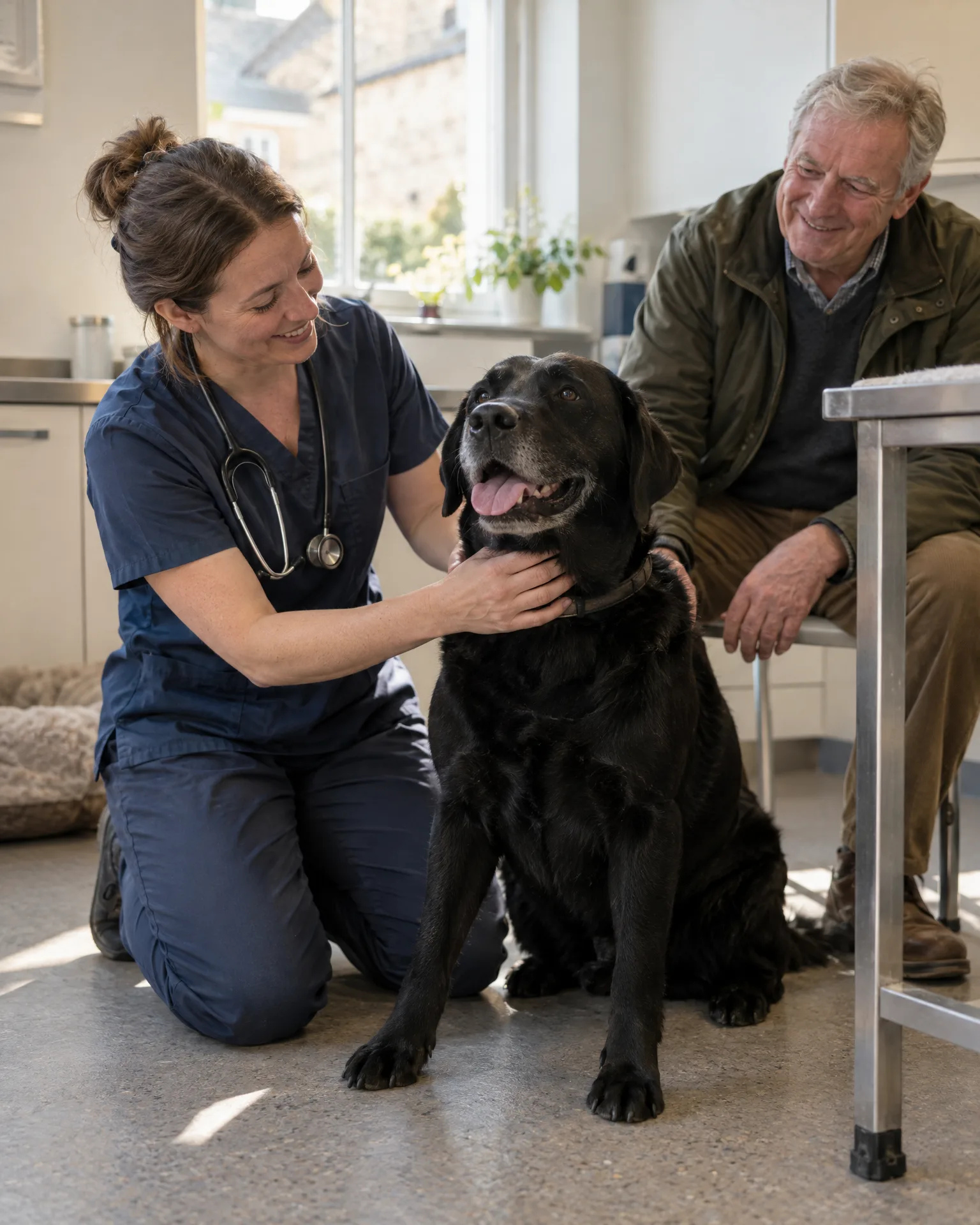
How it works for vets
Clients in, without retyping
Add owners by hand at the desk, import a spreadsheet using our template, or let us link your practice software through Zapier if it supports it. Then search by name, phone, email or visit, and see who is not yet asked, asked, clicked through or opted out.
Opt-outs, respected every time
Opt-outs are kept per channel, text or email, on their own page showing who, when and how. Every text includes an opt-out link, every email an unsubscribe, and the list is checked before anything is sent.
Website enquiries, all together
Messages from your website’s contact form land in the inbox with any attachments, such as a vaccination record, and are emailed to the practice too. Replying opens your own email or phone, so conversations stay in the systems you already use.
- Visit or job doneAdded to contacts
- Review requestBy text or email, when you choose
- Gentle follow-upOnly if they haven't tapped through
- Taps through to reviewFollow-ups stop by themselves
A Monday morning at Pennymoor Vets
Weekend enquiries, and a list that listens
Before surgery starts, Gemma, the receptionist at Pennymoor Vets, opens the inbox. Over the weekend, two families who’ve just moved in sent enquiries from the website, one with a PDF of their dog’s vaccinations. She rings both back. Then she imports last week’s clients from a spreadsheet, and the one owner who opted out of texts in the summer is skipped when review requests go out, so nobody hears from the practice after asking not to.
An illustration of how it works, not a real customer.
The film
Website enquiries land in your LocalQuiver inbox with any photos or files and a copy by email, replies open your own email or phone, private feedback from your review page comes to you unpublished, and one contact list shows who to ask for a review next. It works the same way for vets.
Read the transcript
0:00Every enquiry and customer, in one place.
0:04When enquiries and customer details are scattered everywhere, people slip through the cracks.
0:10Every enquiry from your website lands in your inbox, with any photos or files attached, and a copy by email.
0:17Replying is one tap. It opens your own email or phone, so you answer the way you always have.
0:24Private feedback from your review page comes straight to you too, and it's never published.
0:29Your customers live in one contact list, added by hand, imported from a spreadsheet, or straight from your invoices and loyalty sign-ups.
0:38See who's been asked for a review and who's clicked through, then send the next request by text or email. Opt-outs are checked every time.
0:47LocalQuiver. Your marketing, sorted.
Open “Every enquiry and customer, in one place” on its own page →Browse all our films →
What's included
- A contact list of the pet owners you ask for reviews
- Added by hand, by spreadsheet or through Zapier
- Search by name, phone, email or visit
- Filters for not asked, asked, clicked through and opted out
- Opt-outs per channel, added by hand or removed in one click
- Website enquiries and their attachments in one inbox
- Every enquiry emailed to the practice too
More for vets
No. Your clinical records, appointments and reminders stay exactly where they are. Contacts is simply the list LocalQuiver uses for review requests, and the inbox collects website enquiries. There’s nothing clinical here, which keeps it simple for reception.
Add them to the opt-out list for text by hand, and they won’t be sent another. The page records who opted out, on which channel, when and how. Clients can also opt out themselves using the link in any text, or the unsubscribe in any email.
Not inside the app. Each enquiry sits in the inbox with its attachments and is emailed to the practice too, so you answer by email or phone as usual. That keeps your conversations with clients in the systems you already trust.
Book a free chat and we'll show you how it would work for your vet practice, set up and running for you.