Review management for vets
Your clients are grateful, but few think to say so on Google. LocalQuiver sends a friendly text or email in your practice’s name after a visit, follows up once or twice, and opens a simple review page with Google first, so the warmth people feel at the desk is visible to new pet owners.
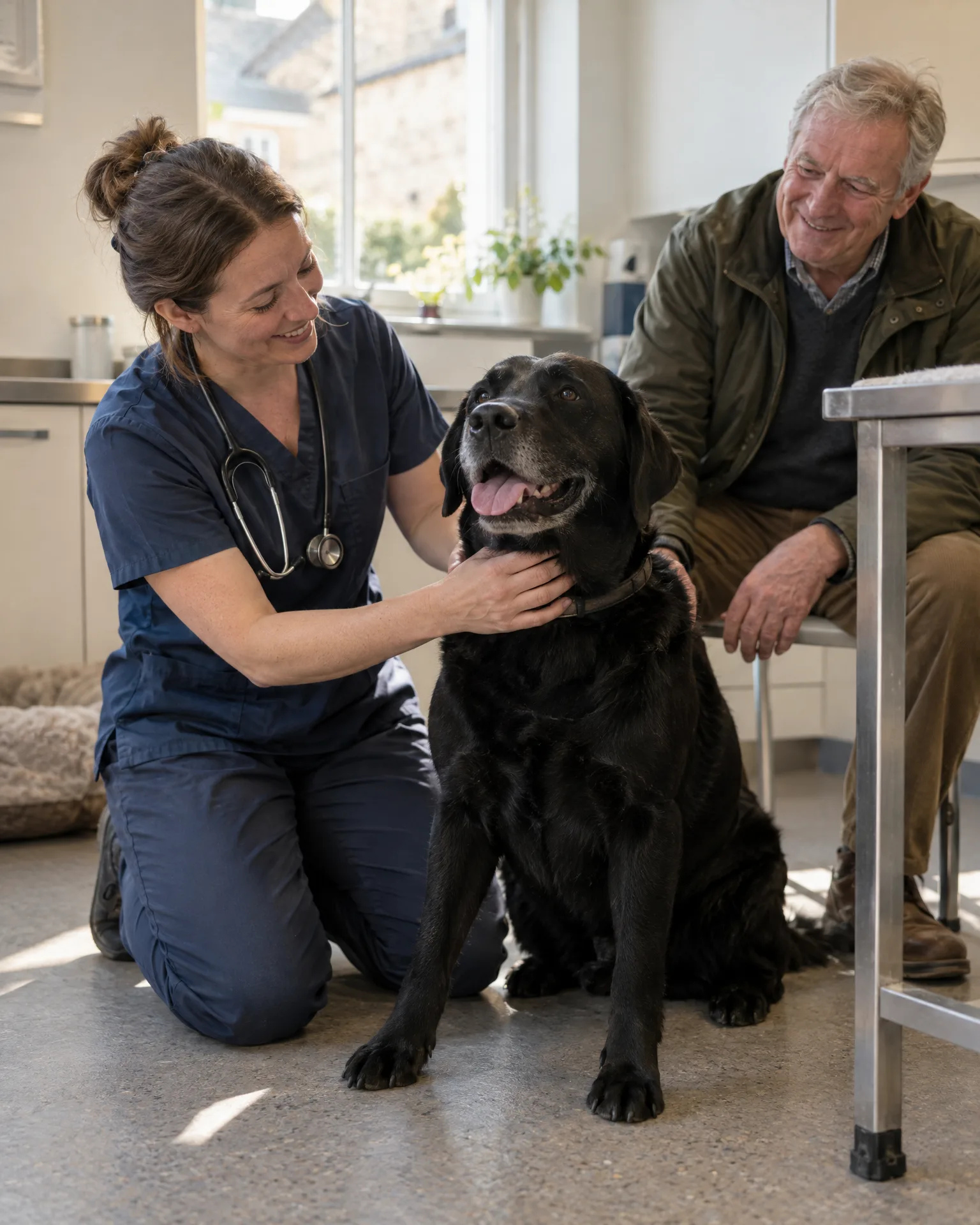
Asked politely. Followed up for you.
- Review request Text or email, after the visit
- Friendly reminder A couple of days later
- Taps through to review Follow-ups stop by themselves
How it works for vets
Careful timing for every client
You decide who is added and when the request goes, anywhere from straight away to three days after the visit. That means a client who has just lost a pet need never receive a cheerful request from you.
One page for every review site
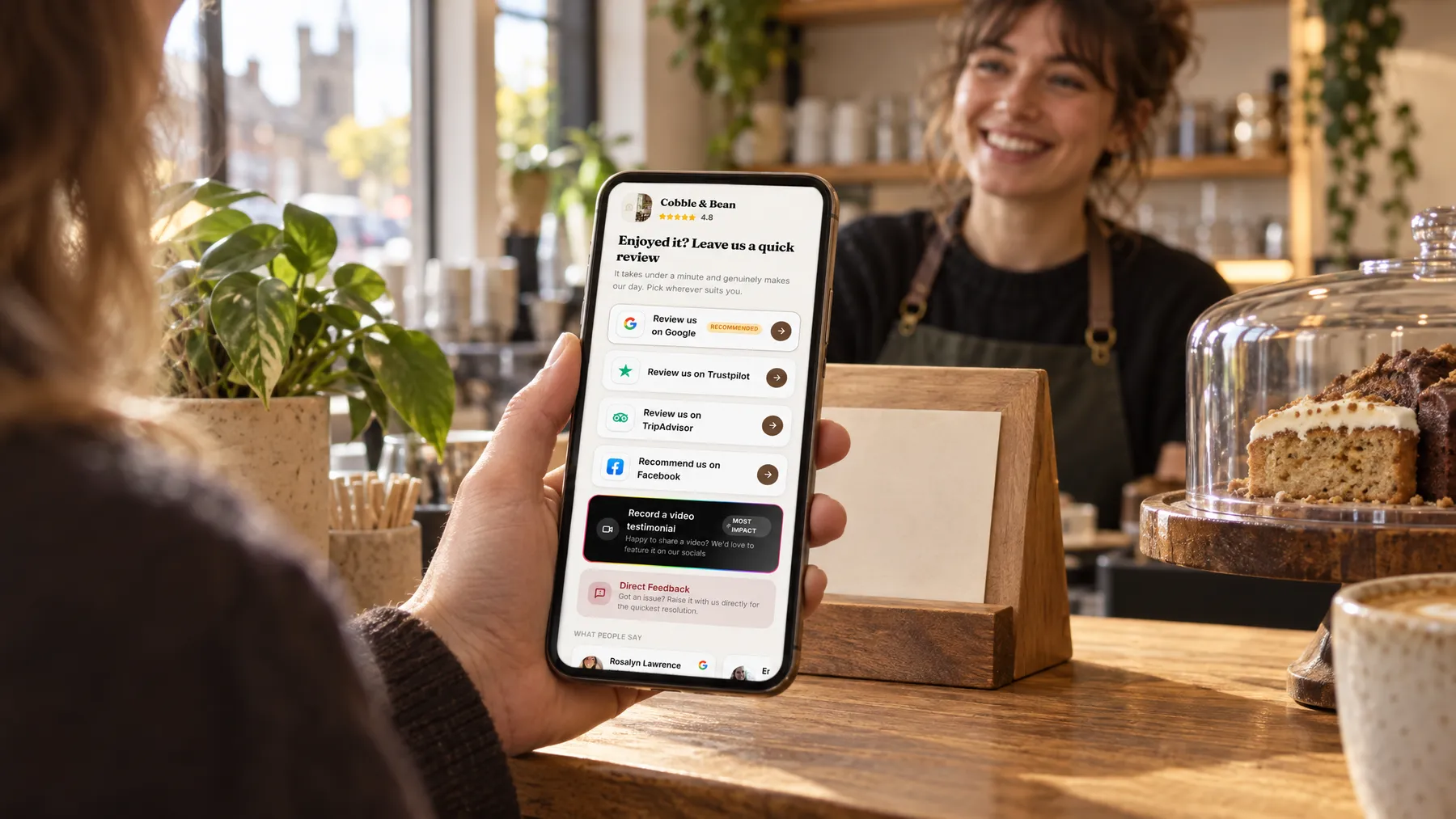
The review page lists Google, Facebook and Trustpilot in your chosen order, with Google marked as recommended and opening straight into the review box. A client can also choose to message you privately, alongside the public buttons, never instead of them.
Codes by the scales and the desk
Stick a code by the waiting-room scales, print one on vaccination record cards and keep our tap cards at reception. Each named code tracks its own opens and review-button taps, though a tap isn’t proof of a review.
Took such good care of our spaniel, and kept us updated all day.
A booster day at Willowbrook Vets
From a grateful wave to a Google review
On Saturday morning, Willowbrook Vets sees a run of puppy boosters. Nadia on reception adds each owner as they leave, and the texts go out that afternoon. Ben, whose spaniel Biscuit has just had her second vaccination, means to leave a review and forgets. The follow-up two days later reminds him, he taps Google, and writes about how Ellie the nurse let Biscuit sniff every corner first. Nobody at the desk had to ask.
An illustration of how it works, not a real customer.
The film
Customers scan a QR code or tap one of our tap cards to reach a branded review page, get a friendly text or email with gentle follow-ups, can choose to give private feedback as an extra option, and every review lands in one inbox. It works the same way for vets.
Read the transcript
0:02You do great work, every single day. But reviews only come in when someone remembers to ask.
0:09Customers can leave a review in seconds. They scan your QR code, or simply tap their phone on one of our tap cards.
0:16It opens your branded review page, with Google marked as recommended, plus Facebook, Tripadvisor, Trustpilot and Checkatrade, in the order you choose.
0:26After every job or visit, a friendly text or email asks for a review, then gently follows up, so you never have to chase.
0:34And if something wasn't quite right, customers can choose to tell you privately. It's an extra option, and everyone still sees the same public review buttons.
0:43Every review then lands in one inbox, with private feedback alongside, so you can stop logging in to five different sites.
0:51More five-star reviews, without the chasing. Because every fresh review gives someone nearby one more reason to choose you.
0:59LocalQuiver. Your marketing, sorted.
Open “Review management with LocalQuiver” on its own page →Browse all our films →
What's included
- Review requests by text or email, sent in your practice’s name
- You choose who is added and when they’re asked
- Gentle follow-ups that stop once a client taps through
- A branded review page with Google, Facebook and Trustpilot
- Named QR codes for reception, the waiting room and record cards
- Private messages and video thank-yous collected in one inbox
- Templates with merge tags like first name and visit date
More for vets

Questions
We’d advise against it. Offering anything in return for a review can break Google’s rules and UK consumer law, and pet owners trust reviews because they’re freely given. LocalQuiver keeps it simple: one honest ask, the same for every client.
No. Private feedback sits beside the public buttons, and every client sees the same choices. If someone picks it, their message lands in your inbox and is never published, giving your practice manager a chance to call them. They can still review you publicly whenever they like.
Yes. Each named code shows its opens, unique visitors, review-button taps, device and town. Bear in mind a tap shows interest rather than proof a review was posted, because nobody can see who wrote which review.
Review management
Book a free chat and we'll show you how it would work for your vet practice, set up and running for you.