Google Business Profile for electricians
Customers often judge an electrician by the Google listing before they ring. LocalQuiver keeps your description, services, phone, website, opening and holiday hours accurate from one screen. You see old against new before anything goes, only the changes are sent, and edits made in Google flow back each hour.
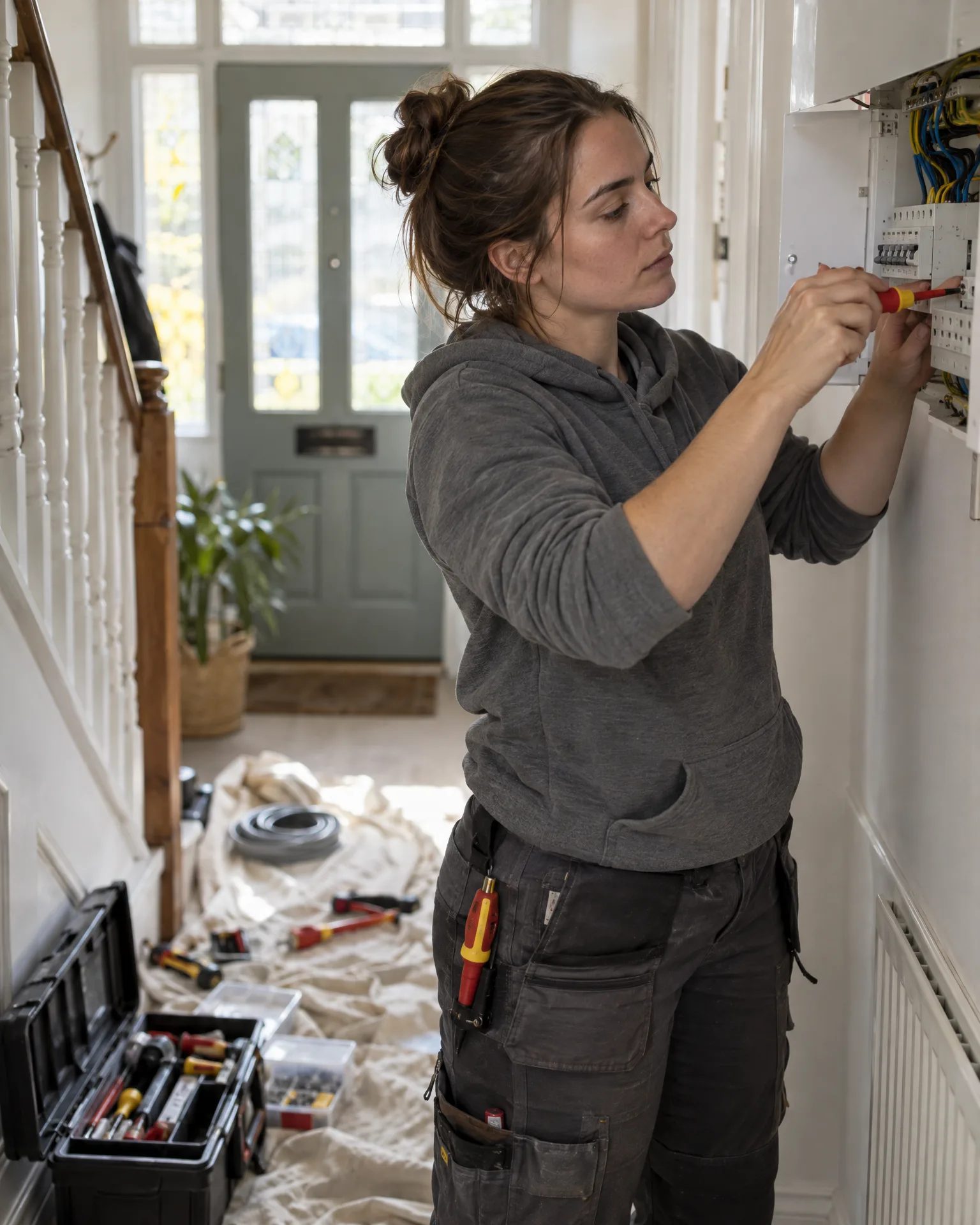
Electrician · Newark
How it works for electricians
Services that match the searches
Add EICRs, consumer unit upgrades, EV charger installs, rewires and fault finding as service names. The same details feed your website and review page, so a customer sees one consistent picture wherever they find you.
A description that builds confidence
Use Google’s full 750 characters to say what you do, where you work and the registrations customers look for, such as NICEIC or NAPIT. A counter shows how much room is left as you type.
Hours people can rely on
Set your normal hours, plus special hours for bank holidays and the Christmas break. If you take emergency call-outs, say so in the description and check the phone number is the one you actually answer.
Attributes, links and branding
Tick the yes or no attributes Google offers for electricians, add your social profile links, and set your logo and cover photo from your Brand kit. Nobody sees your Google password, and you can withdraw access.
You’re top 3 for “electrician near me” across the centre of Newark. A few fresh reviews will push you out to the villages you cover.
A spring tidy-up at Sparrowhawk Electrical
EV chargers added to the listing, properly this time
Ben has been fitting EV chargers for a year, but his Google listing still only says domestic electrician. In LocalQuiver he adds EV charger installation and consumer unit upgrades as services, rewrites the description to mention both along with his NICEIC registration, and fixes the Saturday hours that were wrong. The confirm screen shows each old line next to the new one. He sends the changes, and his website picks up the same services.
An illustration of how it works, not a real customer.
The film
Connect once with your own Google sign-in, update your description, phone, website, opening and holiday hours, services and social links on one screen, check old against new and send only the changes; your logo and cover photo come from your brand kit, and the listing is re-read hourly. It works the same way for electricians.
Read the transcript
0:00Your Google Business Profile, kept right.
0:04Wrong opening hours on Google can send a customer to a locked door, or straight to someone else.
0:10Connect once, with your own Google sign-in. Then update your details on one screen: your description, phone and website, opening and holiday hours, services and social links.
0:22Before anything is sent, you see the old next to the new, and only the changes go to Google.
0:29Your logo and cover photo can be set from your brand kit, too.
0:33And your listing is re-read every hour, so changes made in Google flow back, and the same details keep your website and review page in step.
0:43So, from bank holidays to the summer break, what people see on Google is always right.
0:49LocalQuiver. Your marketing, sorted.
Open “Your Google Business Profile, kept right” on its own page →Browse all our films →
What's included
- Description up to 750 characters, with a live count
- Service names for EICRs, rewires, EV chargers and more
- Opening hours and special hours for holidays
- Phone, website and social profile links
- Google’s yes or no attributes for your category
- Logo and cover photo from your Brand kit
- A confirm screen showing old against new
More for electricians
Not gallery photos. You can set your logo and cover photo on Google from your Brand kit, but pictures of finished boards or charger installs are added in Google itself. Those photos can still appear on the website LocalQuiver builds, which reads them from your listing.
That’s fine. LocalQuiver re-reads your listing every hour, so changes made inside Google flow back and you’re never editing an out-of-date copy. When you edit in LocalQuiver, only the fields you changed are sent.
No. The business name, address, map pin and categories are managed in Google, and LocalQuiver doesn’t edit them. It doesn’t handle verification or reinstatement either. It looks after the parts you change most often: description, services, hours, phone and website.
Book a free chat and we'll show you how it would work for your electrician, set up and running for you.