Google Business Profile for restaurants
The first thing most hungry people see is your Google listing, not your website. We keep it accurate: opening hours, holiday hours, your description, phone number and the details Google asks about, all edited on one screen and pushed to Google, so nobody turns up to a locked door.
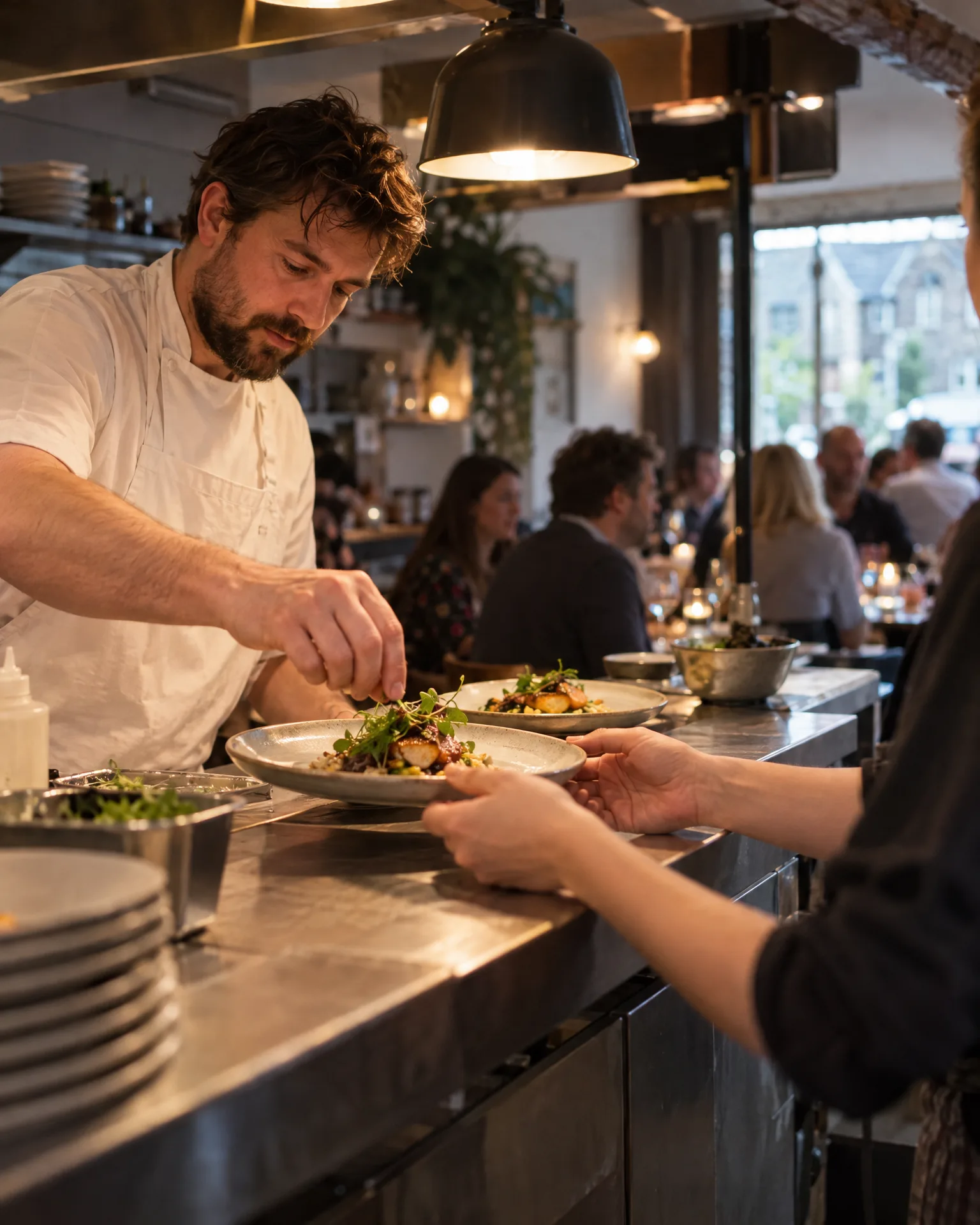
Restaurant · Newark
How it works for restaurants
Special hours, sorted ahead
Christmas Eve lunch, Boxing Day closures, a quiet Monday in January or a private-hire evening go onto Google as special hours. You see old against new before anything is sent, and only the changed fields go.
A description that sells the room
Use up to the 750 characters Google allows, counted as you type. Say what you’re known for, from the wood-fired oven to the Sunday sharing boards, in the words a hungry person would actually search for.
The details diners filter by
Google offers yes or no details for restaurants, such as outdoor seating or vegetarian options where they apply to your listing. We set the ones that fit, along with your service names, phone, website and social links.
One listing feeds everything
If we build your website, it reads from the same listing, and so does your review page. The listing is re-read every hour, so a change made inside Google flows back. Your logo and cover photo can be set from your brand kit too.
You’re top 3 for “restaurant near me” across the centre of Newark. A few fresh reviews will push you out to the villages.
Early December at Casa Ferro
Christmas hours on Google before anyone had to ring
Every December, Sofia at Casa Ferro used to field calls asking whether they were open on Christmas Eve, and every January someone turned up on the Monday they always close. This year she added the dates once: Christmas Eve lunch only, closed Christmas Day and Boxing Day, back on the 2nd. Each went in as special hours, checked on the confirm screen. The website showed the same hours that afternoon, because it reads from the listing.
An illustration of how it works, not a real customer.
The film
Connect once with your own Google sign-in, update your description, phone, website, opening and holiday hours, services and social links on one screen, check old against new and send only the changes; your logo and cover photo come from your brand kit, and the listing is re-read hourly. It works the same way for restaurants.
Read the transcript
0:00Your Google Business Profile, kept right.
0:04Wrong opening hours on Google can send a customer to a locked door, or straight to someone else.
0:10Connect once, with your own Google sign-in. Then update your details on one screen: your description, phone and website, opening and holiday hours, services and social links.
0:22Before anything is sent, you see the old next to the new, and only the changes go to Google.
0:29Your logo and cover photo can be set from your brand kit, too.
0:33And your listing is re-read every hour, so changes made in Google flow back, and the same details keep your website and review page in step.
0:43So, from bank holidays to the summer break, what people see on Google is always right.
0:49LocalQuiver. Your marketing, sorted.
Open “Your Google Business Profile, kept right” on its own page →Browse all our films →
What's included
- Opening hours and special holiday hours
- Your description, up to Google’s 750 characters
- Phone number, website link and social profiles
- Service names and the yes or no details Google offers
- An old-against-new check before any change is sent
- Logo and cover photo set from your brand kit
- Hourly re-reads, so changes made in Google flow back
More for restaurants
No. The name, address, map pin and categories stay with Google’s own tools. We manage the rest of the listing: hours, special hours, description, phone, website, services, social links and the yes or no details. Your login stays yours, and you can withdraw access whenever you like.
Not to your Google photo gallery. We can set your logo and cover photo from your brand kit. If we build your website, it shows the photos from your listing, including guests’ own, and the Social Agent can post your best review cards to Google.
That’s fine. The listing is read again every hour, so anything you change directly on Google flows back into LocalQuiver and from there onto your website. When a change is made here, you see the old and new side by side before it goes.
Book a free chat and we'll show you how it would work for your restaurant, set up and running for you.