Google Business Profile for dental practices
Your Google listing is often the first thing a new patient reads. LocalQuiver lets you update your description, opening hours, holiday closures and services from one screen, shows old against new before anything goes, and pushes only the changes to Google.
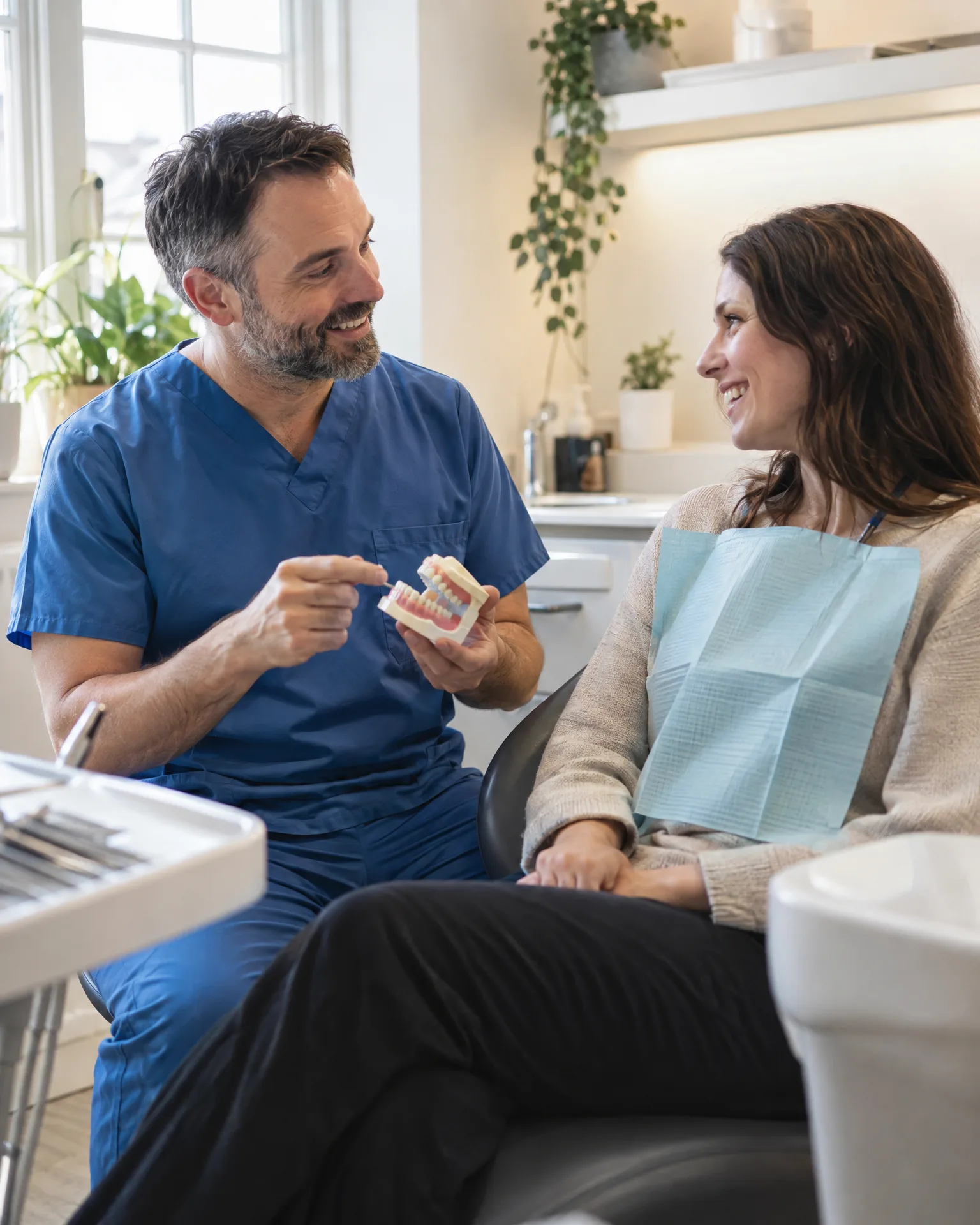
Dental practice · Newark
How it works for dental practices
A description that answers questions
Use Google’s 750 characters to say what patients want to know: whether you see NHS or private patients, how you look after nervous patients, parking and access. The counter shows how much room is left as you type.
Bank holidays and late clinics
Christmas, Easter and bank holidays go in as special hours, alongside your regular week and any late evenings or Saturday clinics. Patients see when you’re really open, and your website and review page use the same hours.
Services in patients’ own words
List services in the names patients search for, such as check-ups, hygienist appointments, teeth whitening and clear aligners, plus the yes-or-no details Google offers for your category, such as wheelchair access, where they apply.
You’re top 3 for “dentist near me” across the centre of Newark. A few fresh reviews will push you out to the villages nearby.
An Easter at Quillbrook Dental Care
Easter hours sorted before anyone asks
In March, Leah, the receptionist at Quillbrook Dental Care, sets the Easter closures and the extra Saturday clinic in one sitting. She updates the description to say the practice is taking on private patients and adds hygienist appointments to the services. The confirm screen shows exactly what will change, and she presses send. Over the long weekend, patients searching on Google see the right hours instead of ringing a closed reception.
An illustration of how it works, not a real customer.
The film
Connect once with your own Google sign-in, update your description, phone, website, opening and holiday hours, services and social links on one screen, check old against new and send only the changes; change your Google categories and add or remove your own photos on the same page, set your logo and cover photo from your brand kit, and the listing is re-read hourly. It works the same way for dental practices.
Read the transcript
0:00Your Google Business Profile, kept right.
0:04Wrong opening hours on Google can send a customer to a locked door, or straight to someone else.
0:10Connect once, with your own Google sign-in. Then update your details on one screen: your description, phone and website, opening and holiday hours, services and social links.
0:22Before anything is sent, you see the old next to the new, and only the changes go to Google.
0:29You can change your Google categories, and add or remove your photos, from the same page.
0:35Your logo and cover photo can be set from your brand kit, too.
0:40And your listing is re-read every hour, so changes made in Google flow back, and the same details keep your website and review page in step.
0:49So, from bank holidays to the summer break, what people see on Google is always right.
0:55LocalQuiver. Your marketing, sorted.
Open “Your Google Business Profile, kept right” on its own page →Browse all our films →
What's included
- Description edits with Google’s character count shown as you type
- Opening hours, plus special hours for holidays and closures
- Service names, phone number and website link
- Yes-or-no attributes Google offers for dental practices
- Practice logo and cover photo, updated from your brand kit
- An old-against-new check before anything is sent to Google
- Your own Google sign-in, with access you can withdraw
More for dental practices
Read more




Your category, yes. Choose the main one, such as Dentist or Dental clinic, and add extras like Cosmetic dentist from Google’s own list; a main-category change can sit with Google for review before it shows. The practice name, address and map pin stay with Google’s own tools and verification checks.
Yes, if you’d like it to. Photos of your reception, treatment rooms or team can be uploaded to your listing from LocalQuiver, and your own older photos removed, with changes applied straight away. Photos patients have posted are view-only. Your logo and cover photo still come from your brand kit, and your website shows the photos on your profile.
Nobody can promise that, and we won’t. Accurate hours, services and a clear description help patients trust what they read and give Google a truer picture of your practice. Reviews and helpful articles play their part too, over months rather than days.
Book a free chat and we'll show you how it would work for your dental practice, set up and running for you.
