Automations for garages
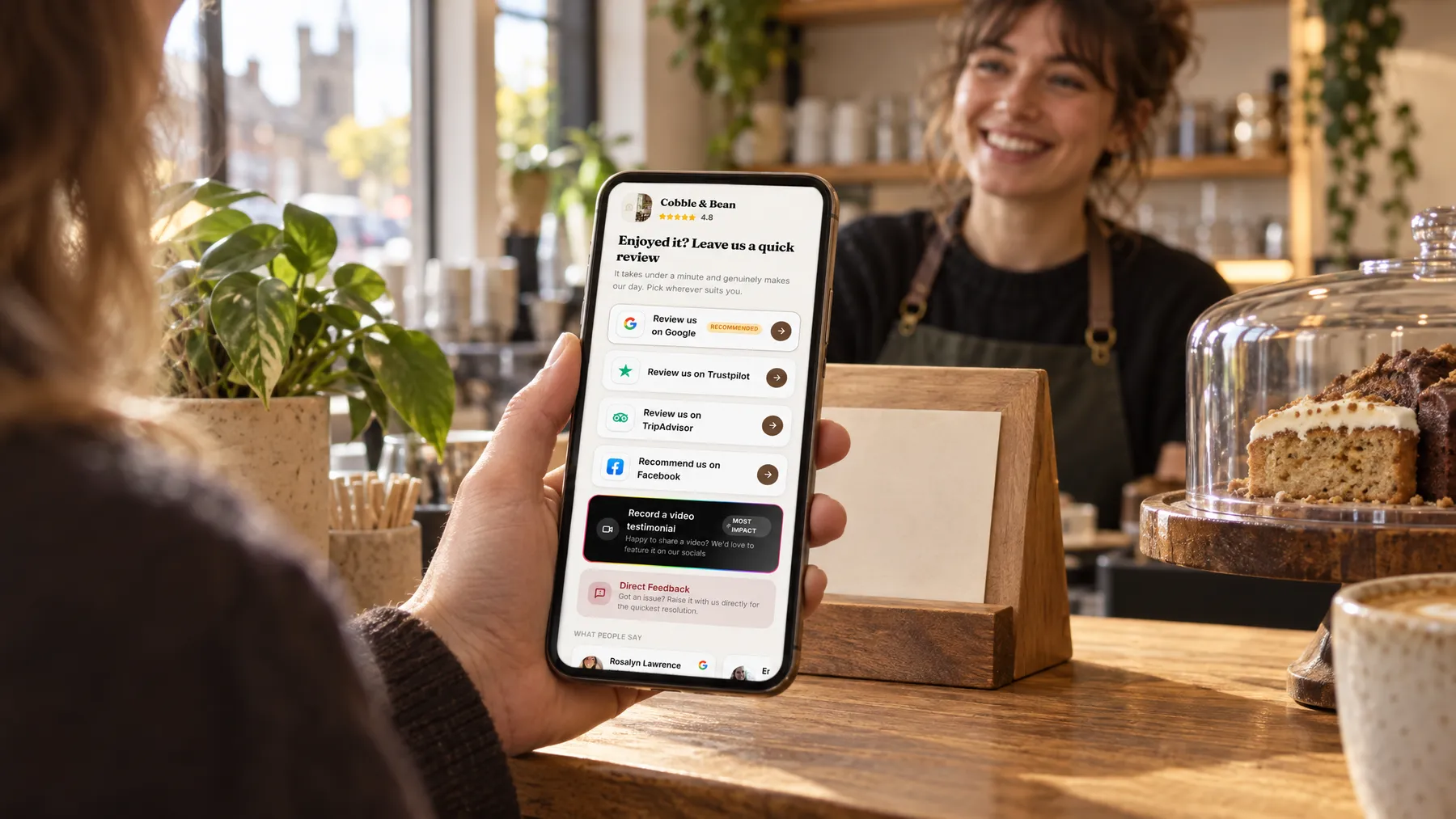
When the bays are full, asking for reviews is the first thing to slip. With automations on, every customer you add is sent a review request on the timing you choose, followed by up to two gentle follow-ups, and the sequence stops by itself as soon as they tap through.

- Visit or job doneAdded to contacts
- Review requestBy text or email, when you choose
- Gentle follow-upOnly if they haven't tapped through
- Taps through to reviewFollow-ups stop by themselves
How it works for garages
Timed around collection
Set the first message to go straight away or up to 72 hours after the customer is added, or after the job date and time. A wait of a few hours means they’ve driven the car and felt the difference before you ask.
Two follow-ups, then it stops
If the first text is ignored, up to two follow-ups go out, each waiting the hours or days you set. The moment the customer taps through to a review site, records a video or sends feedback, the rest are called off.
Every new customer enrolled
Customers added by hand, imported from a spreadsheet, created from an invoice or sent across by Zapier are all enrolled automatically. LocalQuiver can connect your job or booking software via Zapier, and we set that up for you.
Running in the background
Sequences are checked every 15 minutes, so messages go out close to the time you set. Meanwhile, reviews import, Google replies post and the monthly map scan runs, each on its own schedule, while you get on with the cars.
Asked politely. Followed up for you.
- Review request Text or email, after the visit
- Friendly reminder A couple of days later
- Taps through to review Follow-ups stop by themselves
A packed week at Fernside Autocare
A clutch job collected, and the asking handled
Fernside Autocare’s workshop software passes each finished job to LocalQuiver through Zapier, which LocalQuiver set up for Lee at the start. On Tuesday, a driver collects her car after a new clutch. Four hours later, she gets a text asking how it’s driving, with a link to the review page. She ignores it. Two days on, a follow-up arrives, she taps through to Google, and the sequence stops. Lee is under a car the whole time.
An illustration of how it works, not a real customer.
The film
How LocalQuiver asks every new customer for a review automatically, times the first message, sends up to two follow-ups that stop once the customer taps through, and runs each agent's scheduled work. It works the same way for garages.
Read the transcript
0:02Busy days are when asking for a review gets forgotten.
0:06So every new customer is asked automatically, whether they're typed in, imported, invoiced, or added from your job software through Zapier.
0:15You choose when the first message goes: straight away, or up to 72 hours later, counted from when they're added, or from the job date.
0:23If it's missed, up to two gentle follow-ups go out by text or email, each waiting the hours or days you set.
0:31And the moment they tap through to a review site, it stops by itself.
0:37Meanwhile, the rest runs on its own schedule: reviews imported, Google replies posted, articles written, posts shared, and your monthly report waiting on the first.
0:47Every agent shows Online, working hands-free, or Manual, drafting and waiting for your OK.
0:54You do the job. The asking takes care of itself.
0:59LocalQuiver. Your marketing, sorted.
Open “Automations that do the chasing” on its own page →Browse all our films →
What's included
- An opening message plus up to two follow-ups
- Text, email or both, with your own wait times
- Auto-send from the moment a customer is added
- Timing from the job date and time, if you prefer
- Stops once the customer taps through
- Zapier link to your job software, set up for you
- Checked every 15 minutes
More for garages

Questions
Whenever suits your customers: straight away, a few hours later once they’re home, or up to 72 hours after they’re added. You can also time it from the job date and time, so a car collected on Saturday morning gets its request that evening.
No. Customers can be typed in at the counter, imported from a spreadsheet, or created when you send an invoice, and each one is enrolled automatically. Zapier is there if you’d like your workshop software to add them for you, and LocalQuiver handles the setting up.
Quite a lot. Google reviews are imported hourly and other sites daily, the Review Agent replies to Google reviews, and the map, AI visibility and competitor checks run monthly. Some parts, like replies to lower-rated reviews, wait for you by default.
Automations
Book a free chat and we'll show you how it would work for your garage, set up and running for you.