Staff leaderboard for pubs and bars
Pub reviews are full of names: the landlady who found a table for twelve, the barman who knows every ale on the pumps, the quiz host with the terrible jokes. Give each of your team their own review link and QR, and the staff leaderboard turns those mentions into a board worth checking before opening.
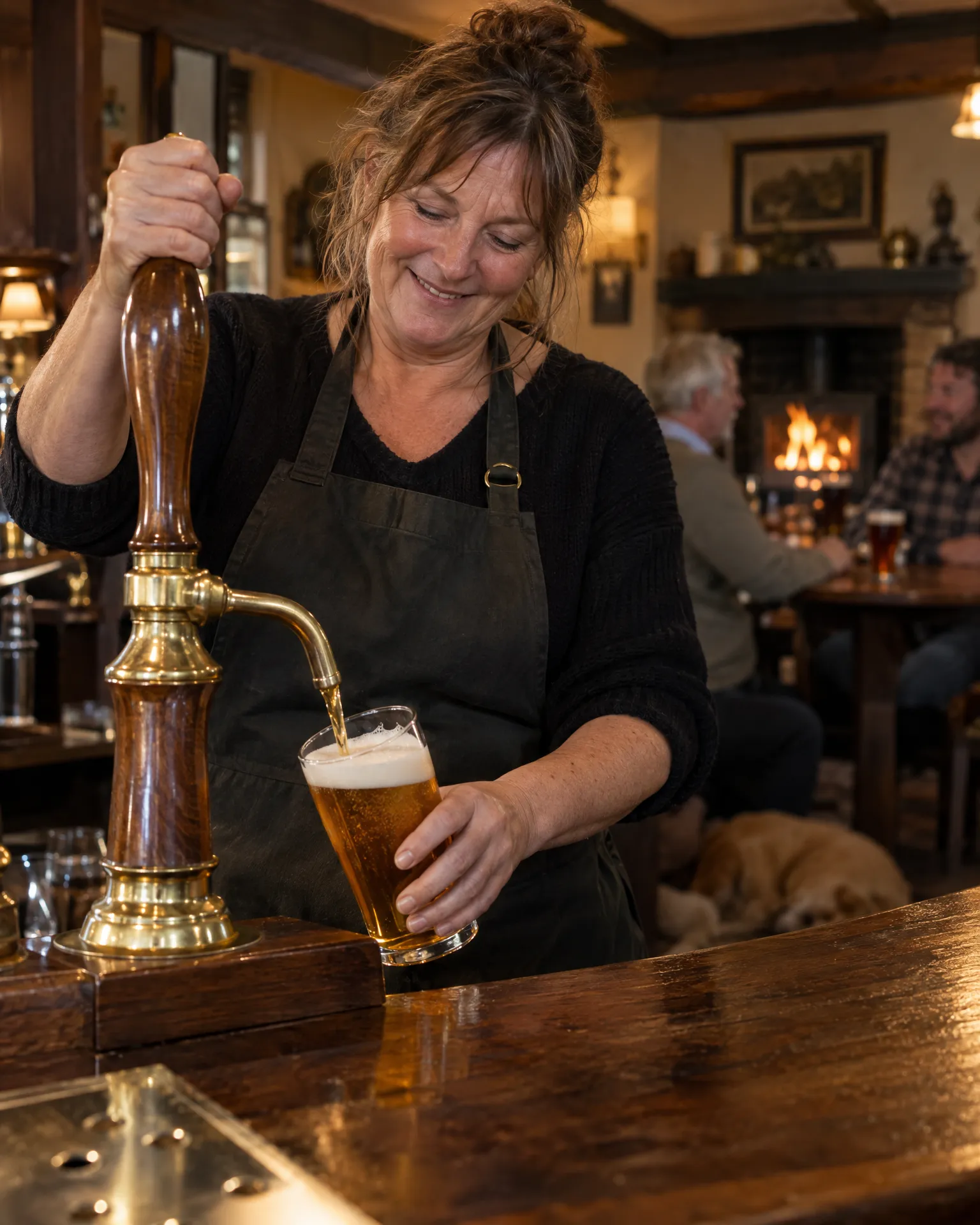
How it works for pubs and bars
Their own card for table service
Each member of the bar team gets a QR code and link of their own. Print it on a card for table service, add it to a name badge or put it on one of our tap cards, and every scan goes down as a visit for them.
Every review site, every mention
Google, Tripadvisor and Facebook reviews that name someone all count towards their total. Add what regulars actually call people, like Gaz for Gareth or Ems for Emma, and the full name always counts as well, so nobody misses out on a mention.
Up on the staff-room wall
Turn on the public leaderboard and print it for the staff-room wall, drop the link in the team chat or keep it on a screen out the back. It refreshes by itself in your pub’s own branding, and you can switch it off whenever you like.
What the Sunday crowd says
Open anyone’s page to see their visits, review clicks and the reviews that mention them over time. It’s a good way to spot who the Sunday roast crowd keeps praising, and to give newer bar staff some real examples of great service.
Best Sunday roast for miles, and the fire was roaring.
Six Saturdays at The Dappled Heron
A bar team, five cards and a podium
The Dappled Heron is a village pub with a busy Sunday carvery and a darts team on Thursdays. Rob, the landlord, knew his staff got mentioned in reviews but had never kept count. He added his five bar staff, with Jas for Jasmine and Kev for Kevin, and gave each of them a tap card for table service. Six Saturdays later, the board in the team chat had Jas narrowly ahead on reviews naming her. Rob shared his favourite one at the staff meeting, and Kev has asked for a recount.
An illustration of how it works, not a real customer.
The film
How the staff leaderboard gives everyone on the team their own review link and QR code, credits reviews that mention them by name, and ranks the team by visits, review clicks, reviews and conversion, with an optional public board. It works the same way for pubs and bars.
Read the transcript
0:02Your team asks for reviews every day. But you can't see who's actually bringing them in.
0:08So add your team, with a photo and the nicknames customers really use, like Sammy for Sam.
0:14Everyone gets their own review link and QR code, for a name badge, or one of our tap cards.
0:20Every scan, tap or click counts for them, then opens your usual review page, the same for every customer.
0:28And when a review mentions them by name, on any connected review site, it's credited to them too.
0:34The leaderboard shows visits, review clicks, reviews and conversion, for any period, with a podium for the top three.
0:42You can even switch on a live public leaderboard, in your own branding, for the staff-room screen or the team chat.
0:49See who's winning you reviews, give them a shout-out, and enjoy a little friendly competition.
0:55LocalQuiver. Your marketing, sorted.
Open “Staff leaderboard” on its own page →Browse all our films →
What's included
- A personal review link and QR for each of the bar team
- Cards for table service, name badges or our tap cards
- Mentions counted from Google, Tripadvisor and Facebook
- Nicknames regulars use, alongside everyone’s full name
- Rank by reviews, review clicks, visits, conversion or rating
- A live public board in your pub’s own branding
More for pubs and bars
Questions
Not at all. Add seasonal staff when they start, as there’s no limit on numbers. When they leave, archive them to take them off the board, or delete them so their QR becomes an ordinary code on your Review Link page and any cards still around keep working.
No. It doesn’t connect to your tills or track who served whom. It counts visits to each person’s own link and the reviews that mention them by name, which gives a fair, friendly view of who your regulars talk about without claiming more than that.
Only if you want them to. The public leaderboard is optional and lives on its own link, so you choose where it goes, whether that’s the staff room, the team chat or a printout. Switch it off and the link stops working; you can make a new one any time.
Staff leaderboard
Book a free chat and we'll show you how it would work for your pub, set up and running for you.
