Staff leaderboard for restaurants
Diners name the people who looked after them: the server who remembered the birthday, the manager who sorted the booking. Give each of your front-of-house team their own review link and QR, and the staff leaderboard shows whose name turns up in Google and Tripadvisor reviews, so you can celebrate it properly.
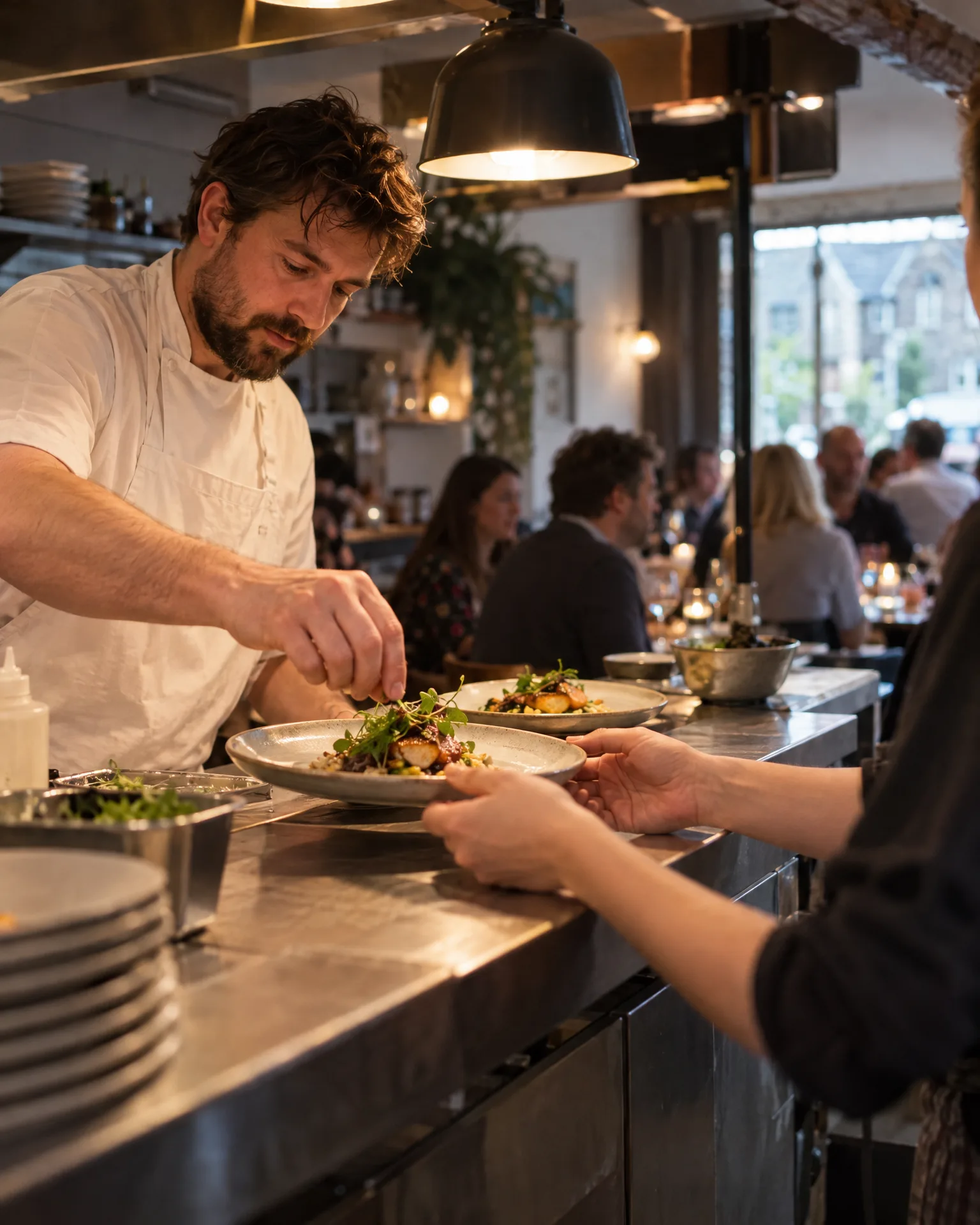
How it works for restaurants
A card in every bill folder
Each server’s QR code goes on a small card tucked into the bill folder, or on their name badge. A scan counts as a visit for them, then opens your usual review page with the same public buttons every diner sees.
Named in reviews, counted on the board
When a Tripadvisor or Google review says Marco made the evening, it counts for Marco. Add the names diners really use, such as Liv for Olivia, and the board picks up those mentions from every review site you’ve connected.
The live board in the staff room
Switch on the public leaderboard and put it on the screen by the kitchen pass or in the staff room. It updates by itself in your restaurant’s own branding, ranked by reviews, review clicks or visits, ready for the pre-service briefing.
Coaching from what diners actually wrote
Each person’s page shows their stats over time and the reviews that mention them. It makes a monthly one-to-one easy: read the kind words together, notice what guests love about their service and share it with the newer starters.
The lamb was perfect, and the staff made our anniversary feel special.
A Saturday service at Brindlewood Kitchen
Four servers, one board and a friendly race
Brindlewood Kitchen runs two sittings on a Saturday, and Niamh suspected her servers were named in reviews far more often than she noticed. She added all four to the staff leaderboard, with Tash for Natasha, and slipped each person’s QR card into their bill folders. By the end of the month, the board in the staff room had Ollie just ahead of Tash on reviews that named them. Niamh read a few of those reviews aloud at the Sunday briefing, and the jokes about the podium started straight away.
An illustration of how it works, not a real customer.
The film
How the staff leaderboard gives everyone on the team their own review link and QR code, credits reviews that mention them by name, and ranks the team by visits, review clicks, reviews and conversion, with an optional public board. It works the same way for restaurants.
Read the transcript
0:02Your team asks for reviews every day. But you can't see who's actually bringing them in.
0:08So add your team, with a photo and the nicknames customers really use, like Sammy for Sam.
0:14Everyone gets their own review link and QR code, for a name badge, or one of our tap cards.
0:20Every scan, tap or click counts for them, then opens your usual review page, the same for every customer.
0:28And when a review mentions them by name, on any connected review site, it's credited to them too.
0:34The leaderboard shows visits, review clicks, reviews and conversion, for any period, with a podium for the top three.
0:42You can even switch on a live public leaderboard, in your own branding, for the staff-room screen or the team chat.
0:49See who's winning you reviews, give them a shout-out, and enjoy a little friendly competition.
0:55LocalQuiver. Your marketing, sorted.
Open “Staff leaderboard” on its own page →Browse all our films →
What's included
- A review link and QR code for every server
- Cards for bill folders, name badges or our tap cards
- Nicknames as well as full names, so mentions aren’t missed
- Mentions from Google, Tripadvisor and every other connected site
- Visits, review clicks, reviews, conversion and average rating
- A top-three podium for any week, month or custom range
- An optional live board for the staff-room screen
More for restaurants
Questions
No, and we never claim it does. A scan shows someone opened that person’s link, and a review counts when it mentions their name. It’s a fair picture of who diners are talking about, not a record of who served which table.
No. Every link opens the same review page your restaurant already uses, with Google, Tripadvisor and your other sites in the order you chose. The only difference is behind the scenes: the visit and any review click are credited to that server.
Archive them and they drop off the board, though their link still counts for them if a card is still out there. Or delete them, and their QR becomes an ordinary code on your Review Link page, so any printed cards keep working.
Staff leaderboard
Book a free chat and we'll show you how it would work for your restaurant, set up and running for you.
