Review management for pubs and bars
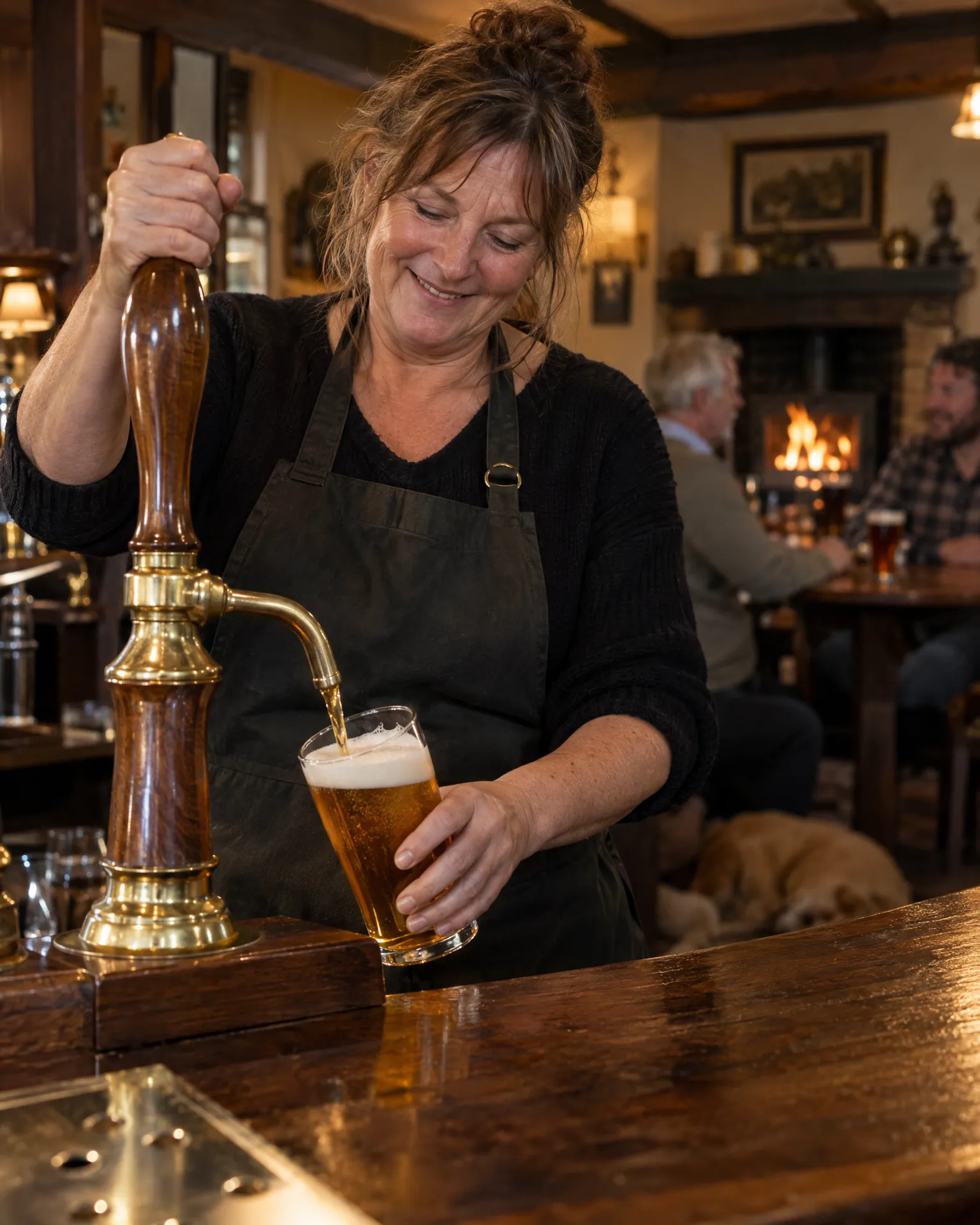
Most happy guests finish their pint, say cheers and leave nothing online. LocalQuiver gives them an easy way to say it publicly: our tap cards on the table, a QR code by the bar and your own branded review page, sending them to Google or Tripadvisor in a couple of taps.
Asked politely. Followed up for you.
- Review request Text or email, after the visit
- Friendly reminder A couple of days later
- Taps through to review Follow-ups stop by themselves
How it works for pubs and bars
Tap cards where the pints land
We supply tap cards, table stickers and coasters, so a guest reaches your review page by holding their phone to the table. No app, no searching for your name, and it works as well in the beer garden as it does by the fire.
Google first, Tripadvisor for visitors
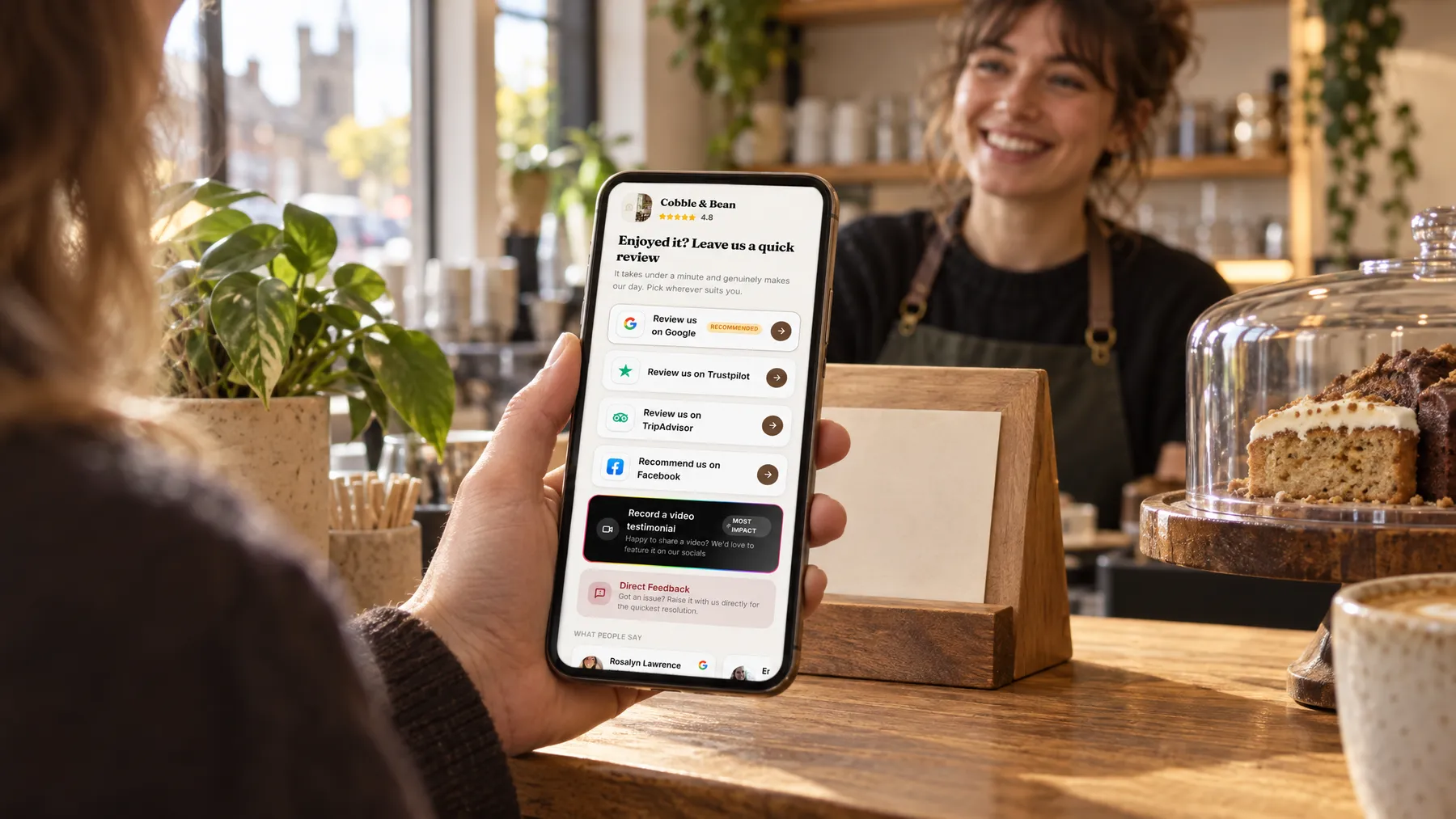
Your review page lists the sites in the order you choose, with Google marked as recommended to help you on the map. Tourists and walkers who live by Tripadvisor can leave their review there instead, from the very same page.
A QR code for every spot
Make a named code for the bar, the menus, the function room and the garden tables, and download each as PNG or SVG. Every code shows its own opens, visitors and review-button taps, so you can see which spots get people looking.
Everything in one inbox
Whichever site a guest picks, their review lands in the same inbox as the rest, so the Monday catch-up takes one look rather than three logins. Video testimonials recorded on a guest’s phone sit there too, ready to play and download.
Best Sunday roast for miles, and the fire was roaring.
Quiz night at The Drover’s Rest
A packed quiz night, and a quiet ask
Jo runs the Tuesday quiz at The Drover’s Rest, and the answer sheets go round with one of our tap cards clipped to each. When the scores are read out, the winning team taps the card, picks Google and writes a few lines about the questions and the chips. The team that came last leaves one on Tripadvisor anyway. Next morning, Jo reads both in the same inbox before the brewery delivery arrives.
An illustration of how it works, not a real customer.
The film
Customers scan a QR code or tap one of our tap cards to reach a branded review page, get a friendly text or email with gentle follow-ups, can choose to give private feedback as an extra option, and every review lands in one inbox. It works the same way for pubs and bars.
Read the transcript
0:02You do great work, every single day. But reviews only come in when someone remembers to ask.
0:09Customers can leave a review in seconds. They scan your QR code, or simply tap their phone on one of our tap cards.
0:16It opens your branded review page, with Google marked as recommended, plus Facebook, Tripadvisor, Trustpilot and Checkatrade, in the order you choose.
0:26After every job or visit, a friendly text or email asks for a review, then gently follows up, so you never have to chase.
0:34And if something wasn't quite right, customers can choose to tell you privately. It's an extra option, and everyone still sees the same public review buttons.
0:43Every review then lands in one inbox, with private feedback alongside, so you can stop logging in to five different sites.
0:51More five-star reviews, without the chasing. Because every fresh review gives someone nearby one more reason to choose you.
0:59LocalQuiver. Your marketing, sorted.
Open “Review management with LocalQuiver” on its own page →Browse all our films →
What's included
- Our tap cards, table stickers and coasters for the bar
- A branded review page with Google marked as recommended
- Named QR codes for the bar, menus and beer garden
- Review requests by text or email, from saved templates
- Google, Tripadvisor and Facebook reviews in one inbox
- An optional private feedback button beside the public ones
- Video testimonials recorded on a guest’s phone, ready to download
More for pubs and bars

Questions
Yes. Add their number or email after the event, by hand or from a spreadsheet, and send a friendly request with their first name and the date filled in from your template. Texts come from your pub’s name, and emails carry your logo and colours.
That happens, and it’s fine. A scan or a tap only shows that someone opened your page, not that they wrote anything. Your QR stats are honest about it: opens, visitors and review-button taps, never a made-up count of reviews written.
Yes. You can rename your review link, say after a refurb or a new name over the door, and every old link and printed code keeps working. Menus, beer mats and posters already out there carry on sending guests to the right page.
Review management
Book a free chat and we'll show you how it would work for your pub, set up and running for you.