Digital loyalty cards for cafés
Paper stamp cards end up in the wash. A digital loyalty card lives in Apple Wallet or Google Wallet instead, so every coffee gets its stamp, the reward is never forgotten and you finally know who your regulars are. There’s no app to download and no account to create.
How it works for cafés
A stamp for every coffee
Choose anywhere from 2 to 12 stamps for a reward, say nine stamps and the tenth coffee free, then the card starts again. Staff scan it with any phone or tablet camera, and a mis-scan can be undone within 15 minutes.
Joining takes one scan
A poster on the counter opens a branded join page. Customers give their name, plus an email or phone number if you ask for one, and add the card to their wallet. Anyone who shares contact details gets their card link sent to them.
Moments on the lock screen
Every stamp, a full card and a reward redeemed show as a lock-screen update. On iPhone, a gentle you’re nearby prompt can appear as they pass the café, which is handy on the walk back from the station.
Quiet afternoon offers
Send a wallet message to members who ticked the offers box: everyone, those nearly at a reward, those with a reward waiting, or regulars you haven’t seen in a while. Ideal for a slice-and-a-coffee offer on a slow Thursday.
A wet Thursday afternoon at Thimble Coffee
The afternoon lull, and a word to nearly-there regulars
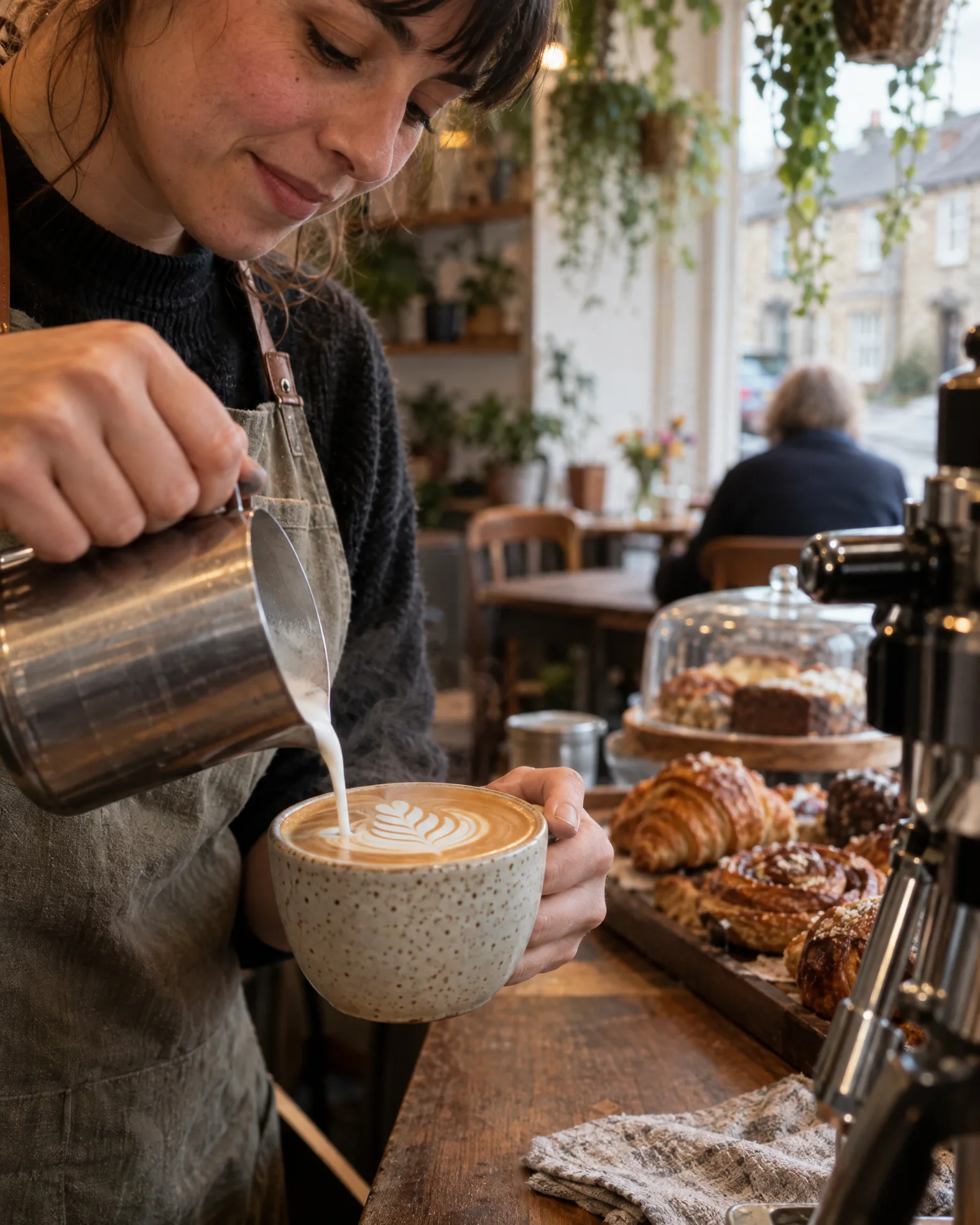
Hollie used to find soggy stamp cards in the bin outside Thimble Coffee. Now her nine-stamp card lives in customers’ wallets, scanned by Jack on the café tablet. On a wet Thursday, with the tables empty between lunch and the school pick-up, she sent a wallet message to members nearly at a free coffee who had said yes to offers. It simply mentioned that the scones were fresh out of the oven and their card was almost full.
An illustration of how it works, not a real customer.
The film
Stamp or points cards in Apple and Google Wallet: customers join from the counter-poster QR with no app, staff stamp by scanning with any phone camera, and updates, offers and a nearby prompt arrive on the lock screen. It works the same way for cafés.
Read the transcript
0:00Digital loyalty cards that bring them back.
0:03Paper stamp cards get lost in pockets, purses and the wash. And a lost card is one less reason to come back.
0:11Customers scan the QR code on your counter poster, add their name, and their card goes straight into Apple or Google Wallet. No app to download.
0:20Choose stamps, or points with a rewards menu. Your team adds them by scanning the card with any phone camera.
0:27Every stamp and reward shows up on their lock screen. And you can send offers as wallet messages, to members who've opted in.
0:35On iPhone, a "you're nearby" prompt can even pop up on their lock screen when they're close.
0:42A reason to choose you, again and again.
0:47LocalQuiver. Your marketing, sorted.
Open “Digital loyalty cards that bring them back” on its own page →Browse all our films →
What's included
- A stamp or points card in Apple and Google Wallet
- 2 to 12 stamps for a reward, then it starts again
- A branded join page from a counter poster
- Scanning with any phone or tablet camera
- Lock-screen updates for stamps and rewards
- Wallet offers for members who said yes to them
- A member list you can export to a spreadsheet
More for cafés
Questions
No. Any phone or tablet with a camera can scan the card, using a PIN-protected staff link with no login. If you already have a USB or Bluetooth scanner, that works too. Staff can also find a member by name, phone or code.
Yes. The card works in Google Wallet on Android phones as well as Apple Wallet on iPhone, and both get the lock-screen updates for stamps and rewards. The you’re nearby prompt is at its best on iPhone; Android shows Google’s own, more general prompt.
You get a member list with each person’s activity, which you can export to a spreadsheet. Anyone who gave an email or phone becomes a contact, so you can also ask them for a review. Offers only go to those who ticked the separate offers box.
Digital loyalty cards
Book a free chat and we'll show you how it would work for your café, set up and running for you.