Review management for restaurants
Your best nights rarely make it online. We give you tap cards for the bill, QR codes for the tables and a friendly text or email after a visit, all opening one branded review page. Guests pick Google or Tripadvisor, and every review lands in one inbox.
Asked politely. Followed up for you.
- Review request Text or email, after the visit
- Friendly reminder A couple of days later
- Taps through to review Follow-ups stop by themselves
How it works for restaurants
Ask at the end of the meal
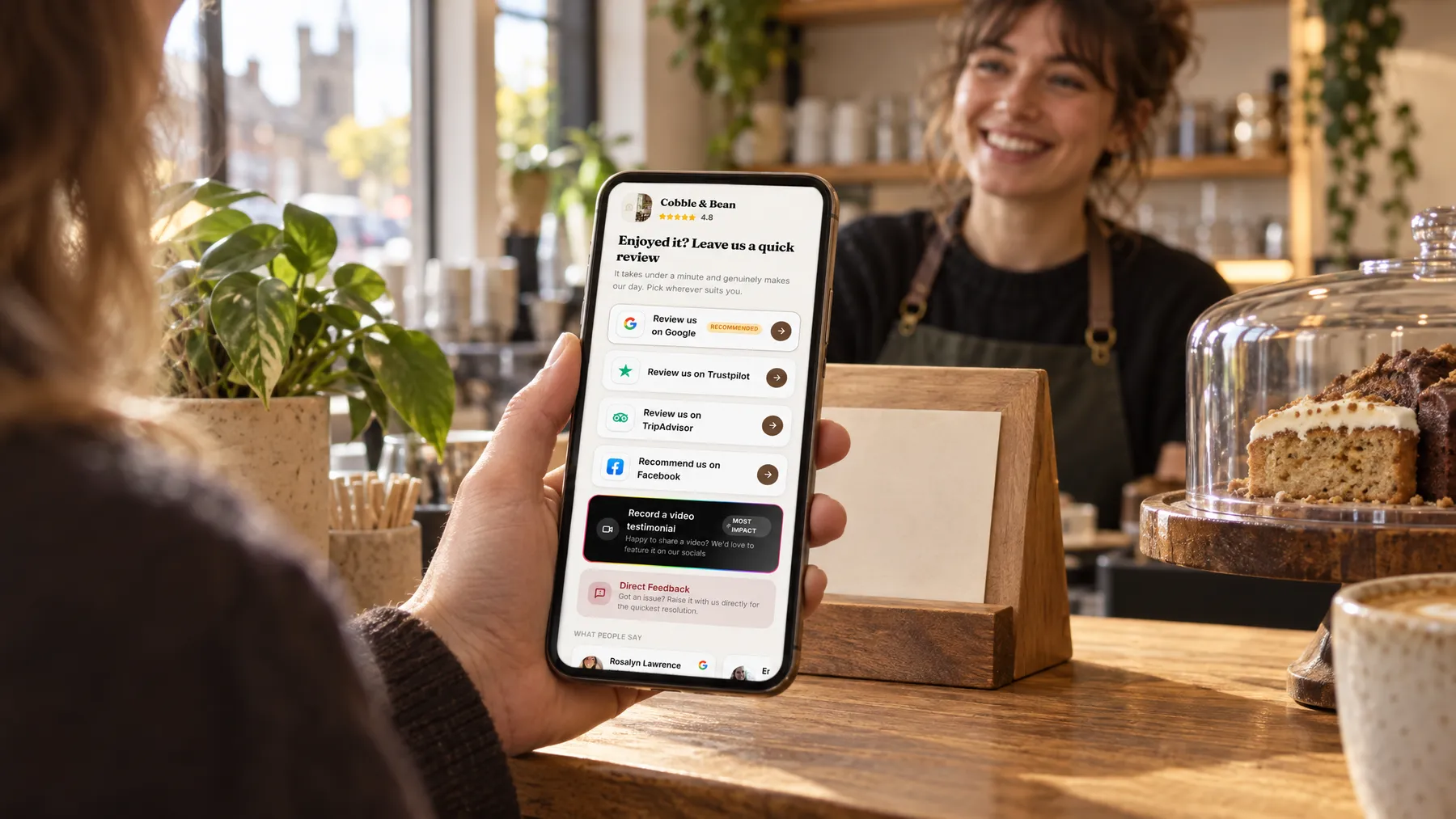
Our tap cards go out on the bill tray and a QR code sits on each table. A tap or a scan opens your own review page, with your name, colours and photos, so it feels like part of the evening rather than a chore.
Google first, Tripadvisor right beside
You choose the order of the review sites. Google is marked as recommended, because it helps you on the map, and Tripadvisor sits alongside for visitors planning where to eat. The Google button opens straight into the review box.
A follow-up you never send
Add a guest’s mobile or email after their visit and a short, polite request goes out under your restaurant’s name, with up to two gentle follow-ups. It stops by itself as soon as they tap through to a review site.
Every review in one place
Google, Tripadvisor and Facebook reviews arrive in one inbox, with Google checked every hour and the others once a day. Photos of plates that guests add to their Google reviews show there too, beside any private feedback.
The lamb was perfect, and the staff made our anniversary feel special.
A Saturday night at The Juniper Table
The bill tray that started asking for reviews
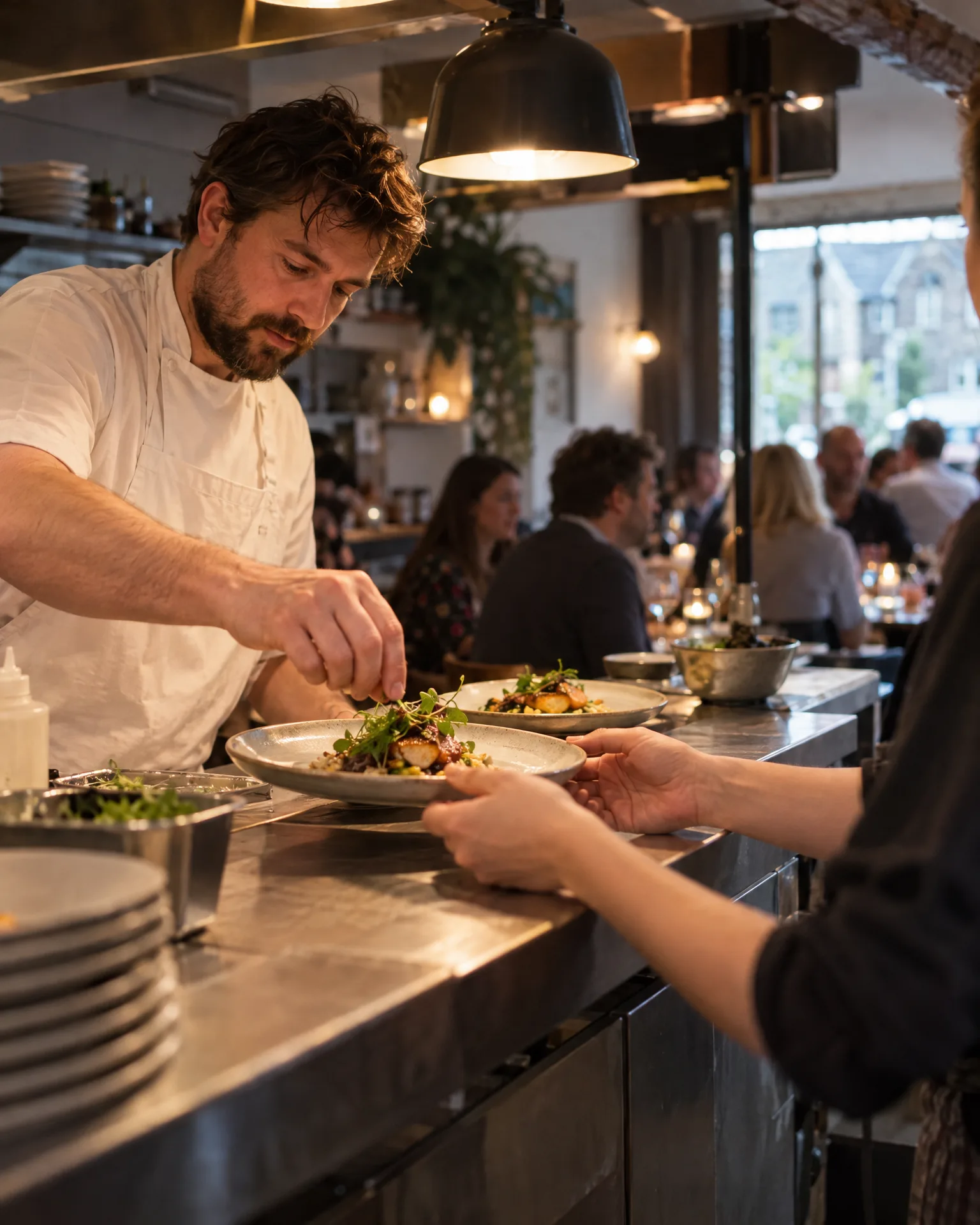
Priya runs front of house at The Juniper Table, a neighbourhood bistro, and always meant to ask for reviews but never found the moment. Now one of our tap cards goes out with every bill. A couple celebrating an anniversary tap it over coffee, choose Google and mention the duck and the window table. Two walkers staying nearby pick Tripadvisor instead. On Monday morning, Tom reads both in the same inbox before lunch prep starts.
An illustration of how it works, not a real customer.
The film
Customers scan a QR code or tap one of our tap cards to reach a branded review page, get a friendly text or email with gentle follow-ups, can choose to give private feedback as an extra option, and every review lands in one inbox. It works the same way for restaurants.
Read the transcript
0:02You do great work, every single day. But reviews only come in when someone remembers to ask.
0:09Customers can leave a review in seconds. They scan your QR code, or simply tap their phone on one of our tap cards.
0:16It opens your branded review page, with Google marked as recommended, plus Facebook, Tripadvisor, Trustpilot and Checkatrade, in the order you choose.
0:26After every job or visit, a friendly text or email asks for a review, then gently follows up, so you never have to chase.
0:34And if something wasn't quite right, customers can choose to tell you privately. It's an extra option, and everyone still sees the same public review buttons.
0:43Every review then lands in one inbox, with private feedback alongside, so you can stop logging in to five different sites.
0:51More five-star reviews, without the chasing. Because every fresh review gives someone nearby one more reason to choose you.
0:59LocalQuiver. Your marketing, sorted.
Open “Review management with LocalQuiver” on its own page →Browse all our films →
What's included
- Our tap cards for the bill tray, plus table QR codes
- A branded review page with your name, colours and photos
- Google, Tripadvisor and Facebook in the order you choose
- Text and email requests with up to two follow-ups
- A named QR code per spot, with opens and taps counted
- Private feedback as an extra option, never a filter
- Video testimonials guests record on their phone, ready to download
More for restaurants

Questions
Yes. Once a guest’s number or email is in your contacts, the request can go out at a set time after their visit, from straight away to 72 hours later. If your booking software works with Zapier, we can set it up so guests are added for you.
Not necessarily. Each QR code shows opens, unique visitors and taps on the review buttons, so you can see which spots work best, the bill folder or the tables. Nobody, including us, can see who actually went on to write a review.
Yes, every guest sees exactly the same public review buttons. Filtering them out would break Google’s rules and UK consumer law. Guests can also choose to tell you something privately, which lands in your inbox and is never published, giving you the chance to put it right.
Review management
Book a free chat and we'll show you how it would work for your restaurant, set up and running for you.