Online bookings for restaurants
Guests want to book a table when they’re planning their evening, not when you’re free to answer. Online bookings let them choose a time and a table that’s really free from your website, Google profile or booking link, with a confirmation and a reminder sent in your restaurant’s name.
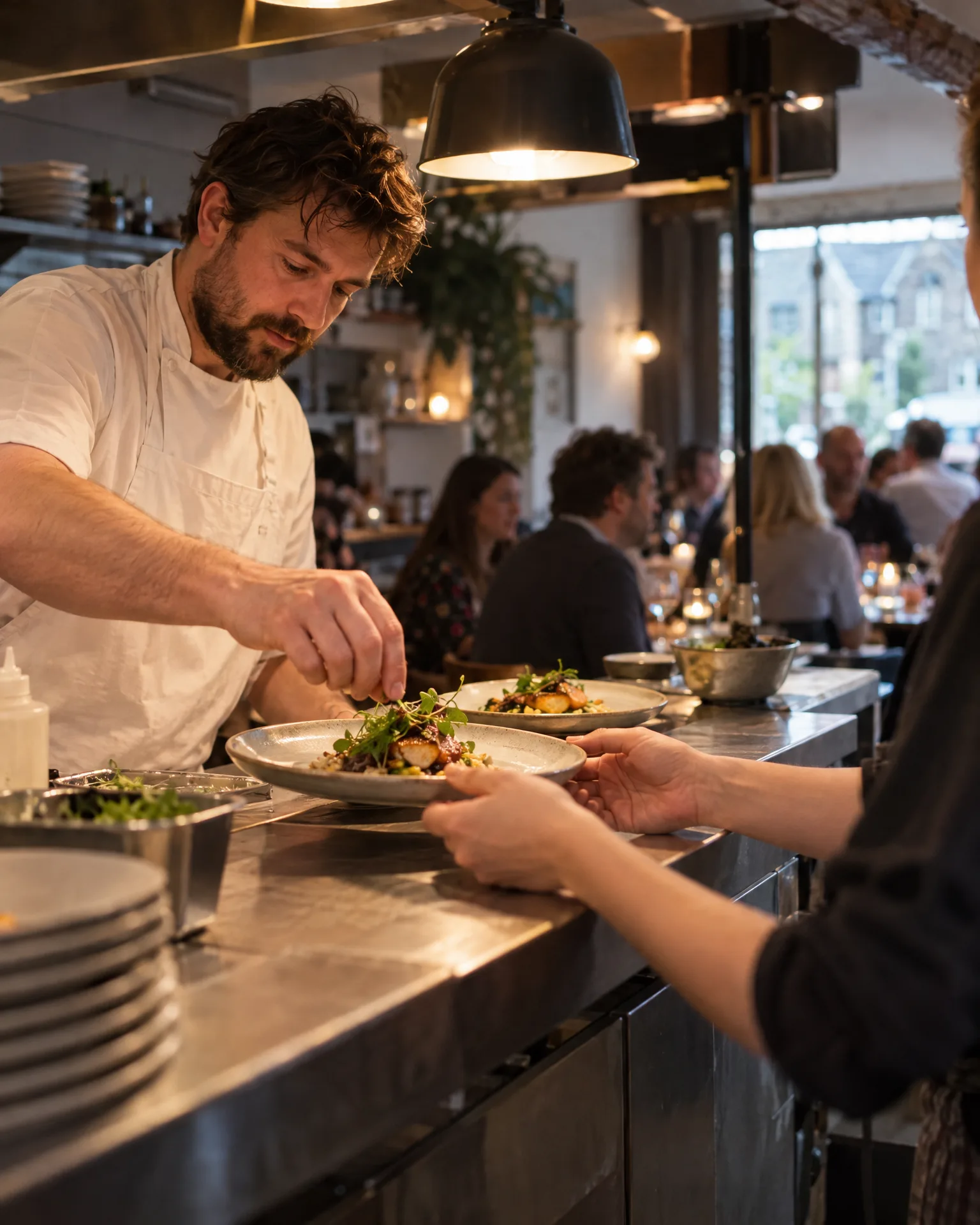
Dinner for 2
How it works for restaurants
Tables set up as resources
Set your tables up as resources and give each booking the time it lasts. A time is only offered while a table is free, so two parties can never be booked onto the same table.
Confirm or accept each one
Let bookings confirm straight away, or have them arrive as requests you accept, which suits large tables and busy weekends. Requests hold the slot until you decide, and the guest hears back either way.
Reminders before they arrive
Guests get a reminder before their booking, by email and by text when they gave a mobile, with a link to change or cancel up to your cutoff, so cancellations reach you in good time.
Guests become contacts
Every booking adds the guest to your contacts or fills in what was missing. With automatic review requests on, marking the visit done starts your usual review ask, on your timing.
Asked politely. Followed up for you.
- Review request Text or email, after the visit
- Friendly reminder A couple of days later
- Taps through to review Follow-ups stop by themselves
A December Saturday at Saffron Yard
A Christmas party season booked through the link
Saffron Yard set up online bookings for tables of two to six and kept larger parties as requests the team would accept. During December, the booking link on the restaurant’s Google profile and website took most of the weekday bookings. Guests chose a time when a table was free and got a confirmation straight away, while the bigger groups waited for Arjun to accept. Every guest got a reminder the day before, and the diary showed exactly who was coming each night.
An illustration of how it works, not a real customer.
The film
How the AI Receptionist, LocalQuiver's fifth AI agent, answers the calls you miss and your website chat in your business's name, how missed callers get a text back from your business number, and how customers book themselves into one diary. It works the same way for restaurants.
Read the transcript
0:02When you're on a job, the phone still rings. And every call you miss could be a customer who rings someone else.
0:09So meet the AI Receptionist, the fifth AI agent in LocalQuiver.
0:14Your phone rings first. When you can't pick up, it answers in your business's name, and says it's an AI assistant.
0:21It answers questions from your website and documents, then books the visit into your diary, or takes a proper message.
0:27And you get a short summary of every call it handled.
0:31The same receptionist chats on your website, answering questions and booking appointments in writing, day or night.
0:38With missed-call text back, every caller you miss gets a text from your business number, straight away, in your words.
0:45Their replies land in one place, and you answer from the app when you're free.
0:49And with online bookings, customers book themselves into times that are genuinely free, from your website or your booking link.
0:56Confirmations and reminders go out for you, and every booking lands in one diary, so nothing can clash.
1:03Every call answered. Every booking taken. Even when you're on a job.
1:09LocalQuiver. Your marketing, sorted.
Open “Front desk: AI receptionist, calls and bookings” on its own page →Browse all our films →
What's included
- A booking page in your restaurant’s branding
- Tables set up as resources
- Confirmed bookings or requests you accept
- Reminders by email and text before each booking
- Guests change or cancel up to your cutoff
- Book buttons on your website and a Google profile link
More for restaurants

Not at the moment. Online bookings don’t take payments or deposits. For large parties, you can have bookings arrive as requests, so you can talk to the guest before accepting and arrange anything else you need.
No, it keeps its own diary in the app and doesn’t sync with other booking systems or calendars. It suits restaurants taking bookings by phone and message today that want guests to book themselves.
Yes. Add time off for the whole restaurant, a person or a resource, and those times disappear from the booking page. Bookings you add yourself can still go in, so you can fit in a regular.
Online bookings
Book a free chat and we'll show you how it would work for your restaurant, set up and running for you.
