Review management for plumbers
You fix the leak, the customer’s grateful, and you’re off to the next address. LocalQuiver sends a short text or email after each job, in your business name, linking to a review page that puts Google first and Checkatrade one tap away. QR codes on the van and our tap cards cover the face-to-face moments.
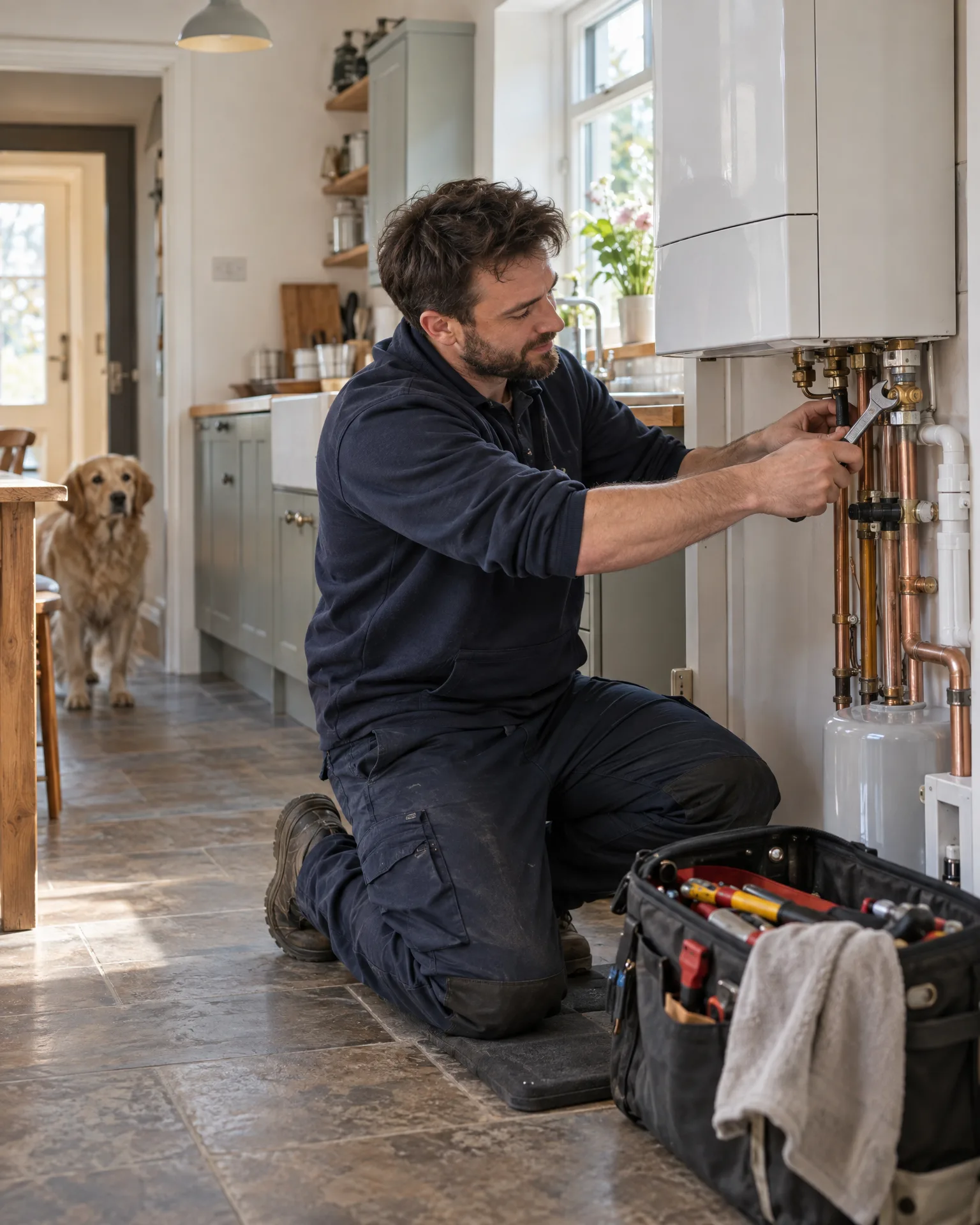
Asked politely. Followed up for you.
- Review request Text or email, after the visit
- Friendly reminder A couple of days later
- Taps through to review Follow-ups stop by themselves
How it works for plumbers
Asked by text, not at the door
Requests go by text or email from your saved templates, with merge tags for the customer’s first name and the job you did. ‘Thanks for letting us sort your boiler, Sarah’ reads like you wrote it, because you did, once.
Google and Checkatrade on one page
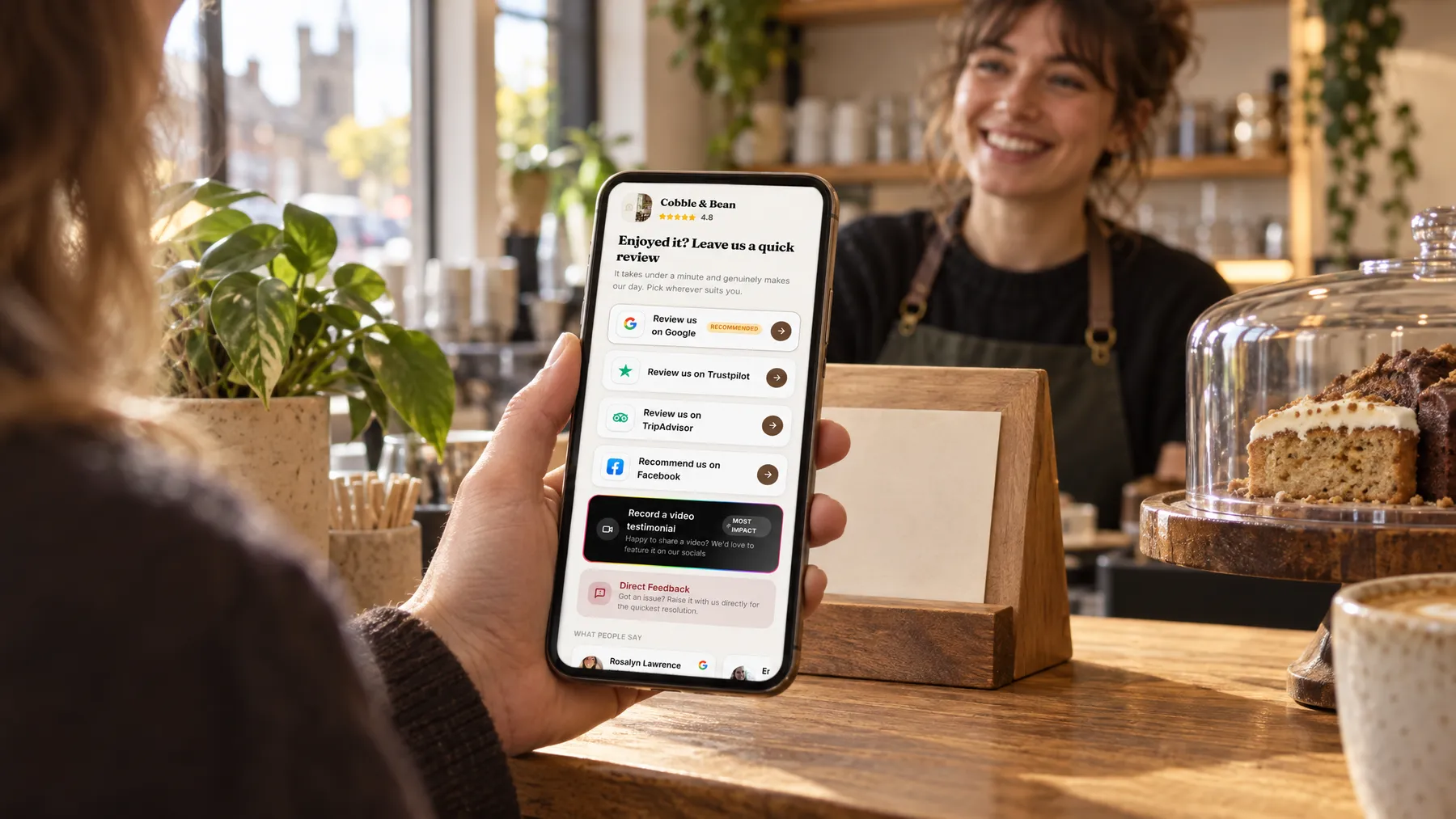
Your review page lists the sites in the order you choose, with Google marked as recommended. Google, Checkatrade and Trustpilot open straight into the review box, so nobody has to hunt for your profile or scroll through a directory to find you.
Codes for the van and the invoice
Put one QR code on the van door, another on your invoice and a third on the card you leave after a boiler service. Each named code shows its own opens and review-button taps, so you can see which spots people actually use.
Every review in one inbox
Google reviews arrive every hour, along with any photos customers add. Checkatrade, Facebook and Trustpilot come in once a day from your public profile links, so you read everything in one place instead of logging in to four sites.
Boiler fixed the same day. Tidy, friendly and fairly priced.
A January week at Fellbrook Plumbing & Heating
A cold snap, a full diary, and nobody forgotten
Tom runs two vans, and the first cold week of January is chaos: breakdowns from seven till late. He doesn’t ask anyone for a review at the door. Instead, each customer goes into his contacts when he invoices them, and that evening a short text goes out in Fellbrook’s name, thanking them and linking to the review page. One family who don’t tap the link get a gentle follow-up two days later. On Friday, Tom reads whatever has come in, Google and Checkatrade together, in one inbox.
An illustration of how it works, not a real customer.
The film
Customers scan a QR code or tap one of our tap cards to reach a branded review page, get a friendly text or email with gentle follow-ups, can choose to give private feedback as an extra option, and every review lands in one inbox. It works the same way for plumbers.
Read the transcript
0:02You do great work, every single day. But reviews only come in when someone remembers to ask.
0:09Customers can leave a review in seconds. They scan your QR code, or simply tap their phone on one of our tap cards.
0:16It opens your branded review page, with Google marked as recommended, plus Facebook, Tripadvisor, Trustpilot and Checkatrade, in the order you choose.
0:26After every job or visit, a friendly text or email asks for a review, then gently follows up, so you never have to chase.
0:34And if something wasn't quite right, customers can choose to tell you privately. It's an extra option, and everyone still sees the same public review buttons.
0:43Every review then lands in one inbox, with private feedback alongside, so you can stop logging in to five different sites.
0:51More five-star reviews, without the chasing. Because every fresh review gives someone nearby one more reason to choose you.
0:59LocalQuiver. Your marketing, sorted.
Open “Review management with LocalQuiver” on its own page →Browse all our films →
What's included
- Review requests by text or email, in your business name
- Templates with the customer’s first name and the job
- One review page for Google, Checkatrade, Facebook and Trustpilot
- Named QR codes for vans, invoices and leave-behind cards
- Our tap cards for when you’re face to face
- Up to two gentle follow-ups that stop once they tap through
- Video testimonials to collect, download and use
More for plumbers

Questions
Yes. Checkatrade sits on your review page alongside Google, Facebook and Trustpilot, in whatever order you pick, and it opens straight into the review box. Paste your public Checkatrade profile link and those reviews come into your inbox once a day, next to your Google ones.
Every customer gets the same public review buttons, whatever their experience. As an extra, they can choose to tell you privately instead, which lands in your inbox and is never published. It gives you the chance to go back and put a dripping valve right, but it never hides the public options.
The sequence stops by itself as soon as the customer taps through to a review site, records a video or sends feedback. Nobody can see who actually wrote a review, so tapping through is the signal. At most, a customer gets your opening message and two follow-ups.
Review management
Book a free chat and we'll show you how it would work for your plumber, set up and running for you.